





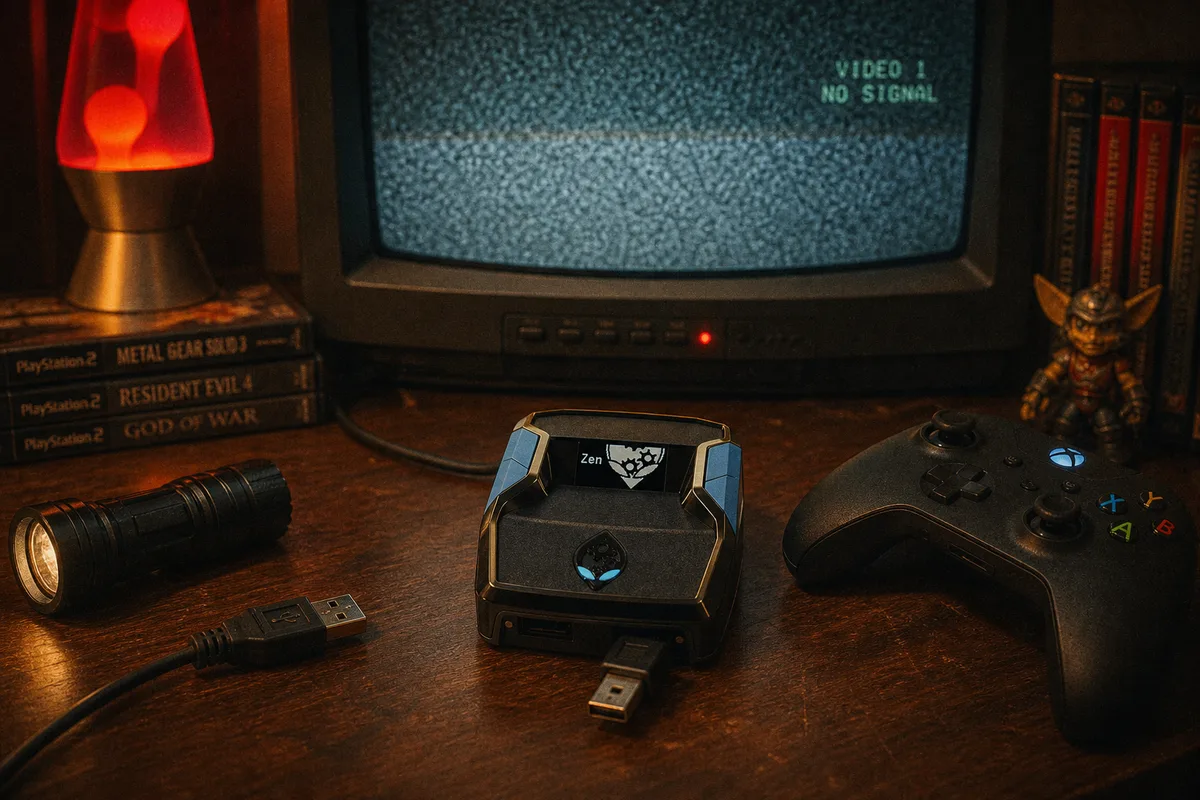
A Cronus Zen that disconnects mid-game is maddening precisely because it mostly works — you can't reproduce the drop on demand, so you end up guessing. After years of these tickets, I can tell you the causes form a short, predictable list, and the order below is roughly how often each one turns out to be the culprit. Work top to bottom and change one variable at a time, or you'll fix it without learning what was broken.
1. A Failing or Marginal Cable
The same villain as every other Zen problem, wearing a different mask. A cable can pass the data test and still be marginal — worn conductors or a fatigued plug that holds connection until it's nudged. The telltale sign: disconnects correlate with physical events. Someone walks past, the controller cable gets tension, you shift the console — drop.
The fix is brutal and cheap: replace both cables in the chain (OUTPUT-to-console and controller-to-A1) with known-good data cables at the same time, and route them so nothing tugs. Remember there are two cables that can each kill the session — people replace one and keep the flaky one. Full buying advice in the cable guide.
 USB cables for Cronus Zen — testing & buying guide

2. Loose Micro-USB Seating
Related but distinct: the Zen's micro-USB ports themselves. After enough insert cycles, a plug can sit loosely and lose contact under vibration. Test by gently wiggling each connected plug — if the OLED flickers or the connection stutters, you've found it. A different cable with a tighter plug usually solves it; if every cable sits loose, the port is worn and it's time to talk to Cronus support. Meanwhile: strain-relieve the cables so the port stops taking mechanical load.
3. PS5: Rest Mode and Auth Drops
The top non-physical cause, and it only affects PlayStation. The Zen's PS5 authentication does not reliably survive rest mode — you come back, the console half-wakes everything, and the Zen drops or behaves erratically minutes later. The same applies after console restarts and power blips.
The fix is procedural, not hardware: when returning from rest mode, re-do the bypass properly — unplug OUTPUT, select an empty slot ("No Gamepack Selected" on the OLED), hold right D-pad, replug, wait for auth, switch back to your script slot. If your habits are built around rest mode, either switch to full shutdowns or get a Zen Link module, which re-authenticates automatically and erases this entire category of disconnect.
PS5 Bypass — the exact reconnection steps
4. Controller Battery (Wireless Setups)
If your controller connects to the Zen over Bluetooth, a dying battery produces drops that look exactly like device failure — and gets misdiagnosed as one constantly. The pattern: sessions start fine and drop later, day after day. Charge the controller fully and retest before blaming anything else, or go wired into A1 and delete the variable permanently. More on the wireless trade-offs in the Bluetooth guide.
5. The PROG Cable Is Still Connected
The PROG port is for Zen Studio only, and leaving it plugged into a PC during gameplay causes instability — including intermittent drops as the PC side enumerates or sleeps. The rule is absolute: flash your scripts, then unplug PROG before you play. If your Zen lives on a desk next to the PC and PROG "just stays in," this is very plausibly your whole problem.
6. Hubs, Extenders, and Front-Panel Ports
Unpowered USB hubs, long extension cables, and marginal front-panel ports all introduce power and signal flakiness that shows up as random drops. Troubleshooting rule: the Zen plugs directly into the console or PC, with a short cable. If your setup genuinely needs reach, use one quality long cable rather than a chain of adapters.
7. Firmware
Last on the list because it's the least common cause of drops specifically — but outdated firmware can produce erratic behavior, and it's a 30-second fix, so clear it while you're at it. Update via Zen Studio per the firmware guide. Use your best cable for the update; an interrupted flash turns a disconnect problem into a bootloader recovery.
The Isolation Method
If you've been through the list and drops persist, run the isolation ladder — it finds the culprit mechanically:
- Both cables new, direct connection, PROG unplugged, controller wired. Play a session.
- Still dropping? Different console USB port, then a different power outlet for the console (yes, really — power sags cause USB resets).
- Still dropping? Empty slot instead of your script for a session. If drops stop, the issue is script/settings side, not hardware — go to the script diagnosis guide.
- Still dropping on pass-through with fresh cables on every port? Now you're in rare-hardware-fault territory — document what you tried and contact Cronus support.
In practice, almost nobody reaches step 4. Cables, rest mode, batteries, and PROG cover the overwhelming majority of real cases. Fix the boring thing first, and if you bought your script from yew.gg, our Discord support will run this ladder with you live — it's included with every purchase.
Not connecting at all? The detection checklist
Full setup guide — build it right from the start