





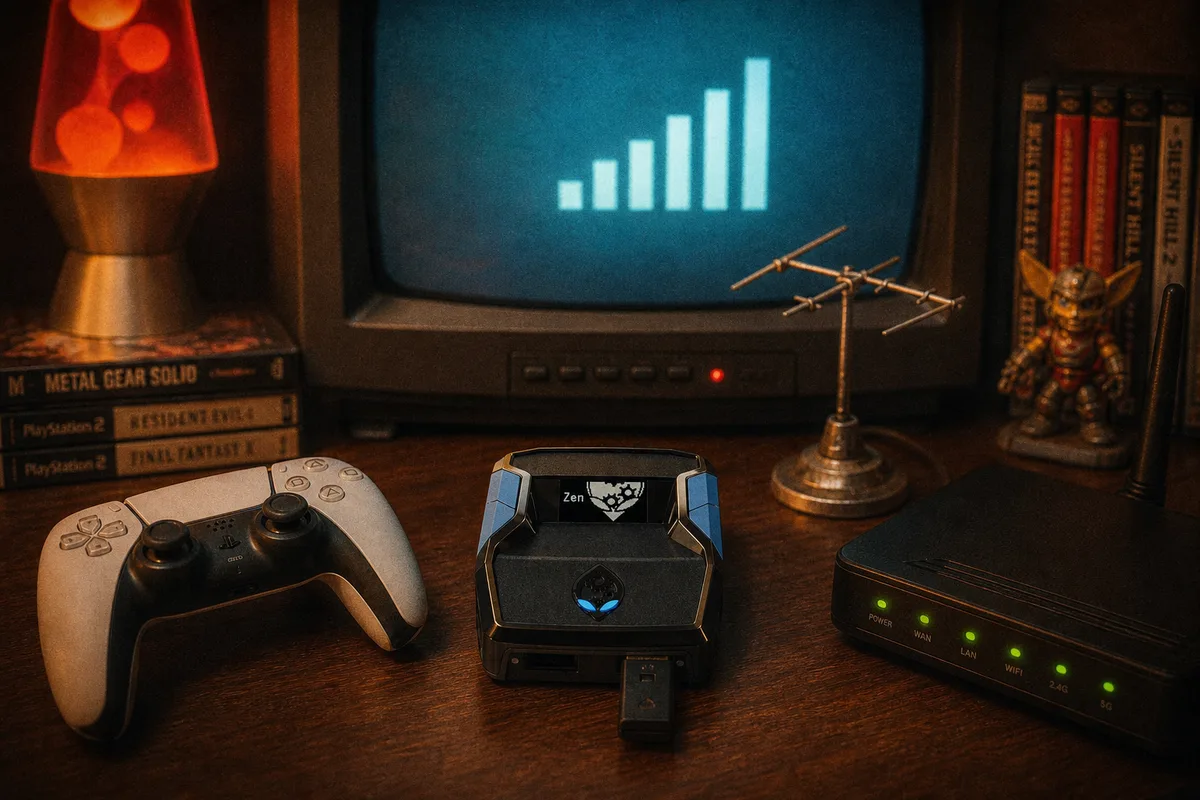
The Zen Link Wi-Fi module is the most-asked-about accessory in our Discord, and the question is always the same: "do I actually need this, or does the free bypass do the same thing?" Having run PS5 setups both ways for a long time, here's my honest breakdown — what Zen Link does, what it doesn't, and exactly who should spend the money.
The Problem It Solves
Quick recap of why PS5 is special: Sony blocks most third-party devices by default, so the Cronus Zen needs an authentication step before the console accepts it. The free method is the PS5 Bypass — select an empty slot so no script is running, hold right on the D-pad, plug the OUTPUT cable into the PS5, wait for auth, then switch to your script slot. It takes seconds once you've done it a few times, and it works on every PS5 model.
The catch: that authentication isn't permanent. Console restarts, rest mode, and unplugging can drop it — and when it drops, you do the ritual again. If you play once a weekend, that's trivia. If you play every evening, it's a daily toll booth.
 PS5 Bypass & Zen Link — official setup docs

What Zen Link Actually Does
Zen Link is a small Wi-Fi module that plugs into the Zen itself — one of the extra USB ports (A2/A3), leaving A1 free for your controller. Once configured, it handles PS5 authentication automatically over Wi-Fi: no D-pad holding, no plug-in-the-right-order ritual, and no re-doing anything when authentication would normally drop. You power on, the Zen authenticates itself, you play.
What it does not do, to clear up the persistent myths:
- It doesn't add features, mods, or script capability — scripts run identically with or without it.
- It doesn't affect input latency — inputs still travel over your wired connections; the Wi-Fi handles authentication, not gameplay traffic.
- It doesn't do anything on Xbox or PC — those platforms don't require authentication, so the module is PS5-specific by nature.
- It doesn't fix audio routing, cables, or any other non-auth problem.
Free Bypass vs Zen Link, Honestly Compared
The free bypass: costs nothing, works on every PS5, and once you've internalized the sequence — empty slot, hold right D-pad, plug OUTPUT — it's a ten-second routine. Its weaknesses: you redo it after rest mode or restarts, it fails confusingly if a script is running when you connect (the most common mistake), and mid-session auth drops mean a full reconnect. Every failure mode is covered in the PS5 guide.
Zen Link: costs real money, requires a one-time Wi-Fi setup, and occupies a USB port on the Zen. In exchange, authentication becomes something you never think about again. The sessions where it earns its keep are the ones the bypass handles worst: coming out of rest mode, quick evening sessions where a ritual feels disproportionate, and households where other people use the PS5 and unplug things.
Notice this is a convenience trade, not a capability trade. Nothing about your scripts, timing, or gameplay differs between the two paths.
Who Should Buy One
My actual recommendations from support experience:
- Daily PS5 players — yes. If the Zen is a permanent part of your setup, the module pays for itself in removed friction within weeks. This is the strongest yes.
- Rest-mode users — yes. If you habitually rest-mode instead of shutting down, you hit re-auth constantly; Zen Link erases that whole category of annoyance.
- Weekend/occasional players — not yet. Learn the free bypass properly first. If the ritual never bothers you, you saved the money.
- Xbox and PC players — no. There's nothing for it to do on your platform. Spend the money on good cables instead — they matter on every platform.
If You Get One: Setup Notes
- Plug the module into a spare USB port on the Zen (A2/A3) — controller stays on A1.
- Run the one-time Wi-Fi configuration per the official docs at /guides/zen-ps5.
- Keep firmware current — the module works alongside the Zen's own firmware, so a healthy, updated device is the baseline. The firmware guide covers it.
- Everything else about your setup is unchanged: OUTPUT to console, scripts in slots, PROG unplugged during play.
Bottom Line
Zen Link is the answer to exactly one question — "can PS5 authentication just handle itself?" — and it answers it well. It's not required, it adds nothing to gameplay, and the free bypass remains completely viable. Buy it for convenience if you're on PS5 daily; skip it if you're not. Either way, the scripts are the point: same $50 one-time purchase, same free weekly updates, same behavior with or without the module.
Full PS5 setup guide — bypass steps included