

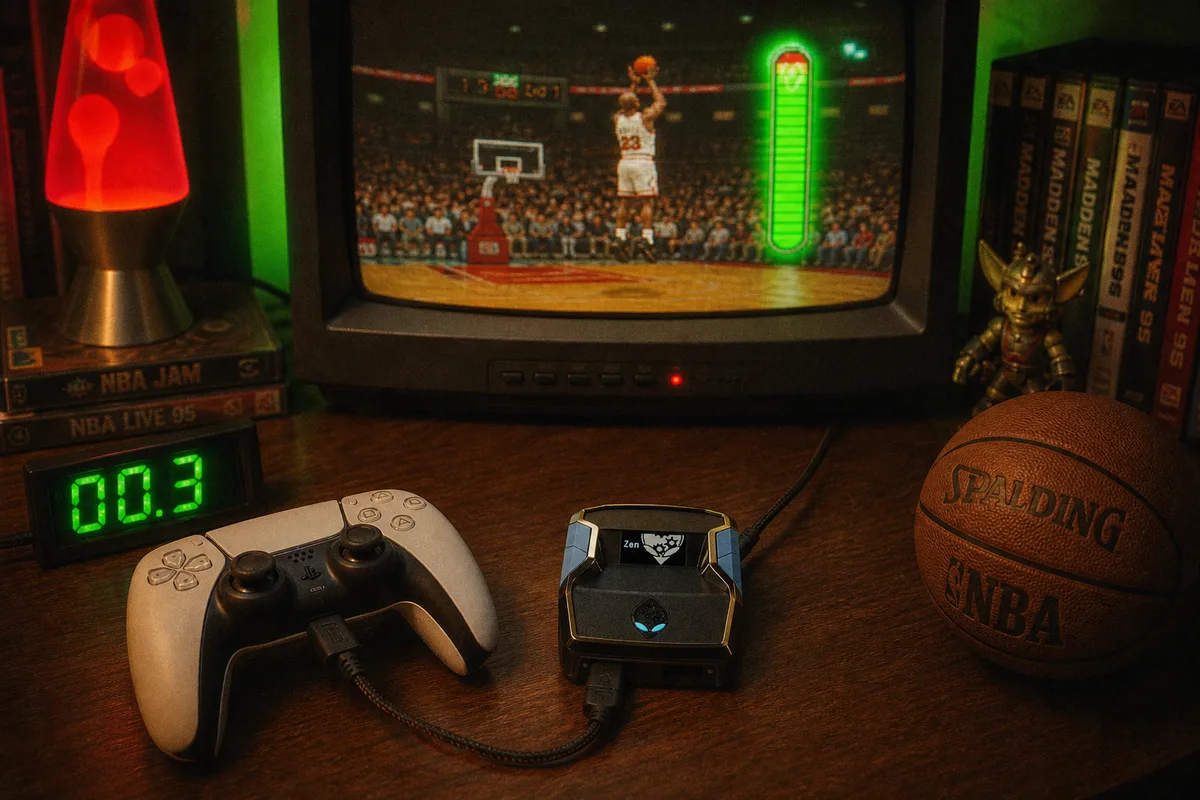
"Cronus Zen auto green" is one of the highest-volume searches in 2K right now. Everyone wants perfect releases without learning every jumper animation. Here's how it actually works — and which script does it best.
What Auto-Green Means in 2K26
Auto-Green reads your shot animation and releases at the green window — the perfect point in the meter. Done right, you connect on contested shots, off-dribble pulls, and fades without manual timing.
Done wrong (static scripts), you brick wide-open catch-and-shoots because the timing value was hardcoded for last week's patch.

AI Timing vs Static Scripts
Most free GPC files use a fixed frame count: wait 47 frames, release. 2K patches animation speed, latency, and badge interactions constantly — that number goes stale.
 yew2K uses adaptive timing that reads animation state and adjusts for your ping. That's why yew2K players stayed on it through every Season 6 patch.
Today yew2K ships the same Auto-Green, pre-tuned by the generator for your height and jumpshot — no hand-edited sliders.
 Recommended script
Which Script Should You Buy?
- Want max mods + AI timing? yew2K
- Want Auto-Green with zero config? Run the yew2K generator — it picks every value for you
- Still comparing all three? Read the full breakdown
yew2K — the NBA 2K27 Cronus Zen script
NBA 2K27 Rhythm Shooting and the green window
Watch Auto-Green in live Park gameplay
Get yew2K — $50 one-time
Setup
Auto-Green works after you load the script in Zen Studio. New to Cronus Zen? Start here:
Cronus Zen setup guide (2026)
NBA 2K27 Cronus Zen — what carries over
2K27 Zen script — what to buy next
Want the technical deep dive without a checkout page? Read the independent Cronus2K Auto-Green reference — latency offsets, patch-day validation, and tuning workflows.