yewcord discord bot
how we connect your yew.gg purchase to your discord roles
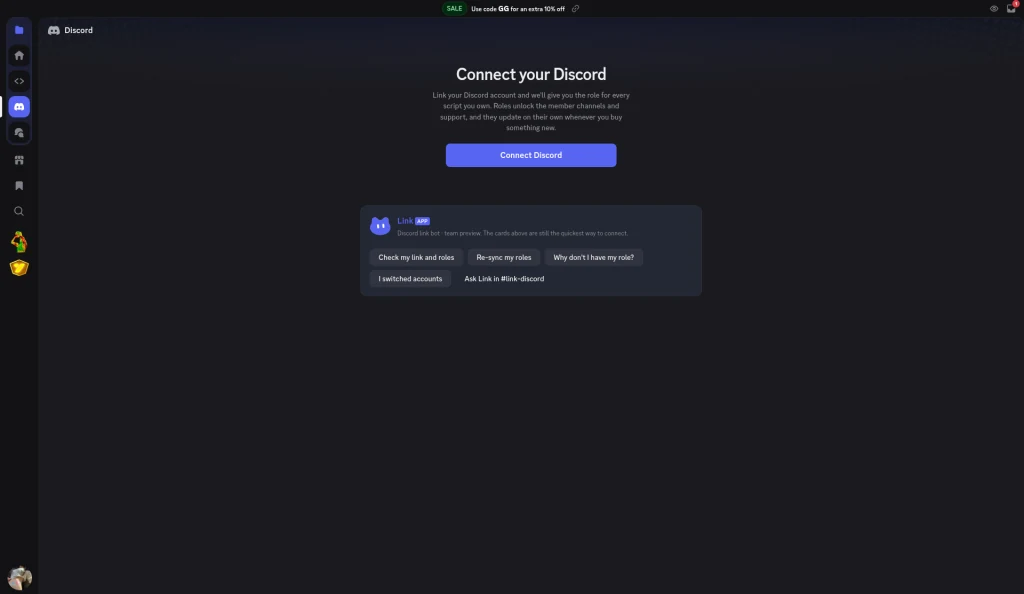
connect your account
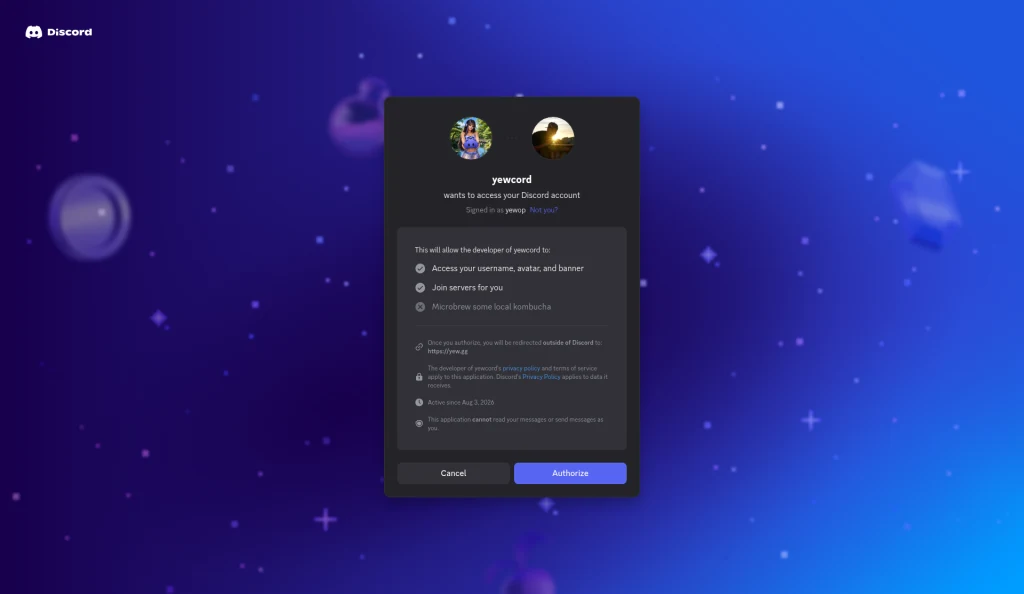
On yew.gg/discord you choose Connect Discord. Discord opens discord.com/oauth2/authorize for the yewcord application, client id 1533698300149108746, with the scopes identify and guilds.join. After you authorize, Discord sends you to https://yew.gg/api/discord/callback.
We ask for two permissions:
- identifyyour discord id, username, and avatar
- guilds.joinso the bot can add you to the yew.gg discord server
On the consent screen, Discord describes identify as access to your username, avatar, and banner, and guilds.join as joining servers for you. The consent screen says this application cannot read your messages or send messages as you.
roles from your purchase
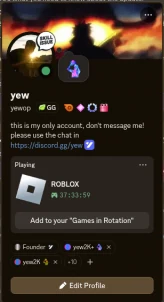
Once connected, yewcord adds you to the server and gives the community role plus roles that match what you bought. It only acts on your own account, one member at a time.
when access ends
A daily check compares server roles with active memberships and removes roles whose access has ended.
what the bot does not do
- It does not read messages.
- It does not track presence or activity.
- It does not post as you.
Its only permissions are:
- manage roles
- create invite
your data
We store your discord id, username, avatar and an encrypted login token to keep roles in sync. Disconnecting clears the token. To delete your data, email biz@yew.gg, and requests are processed within 30 days.