





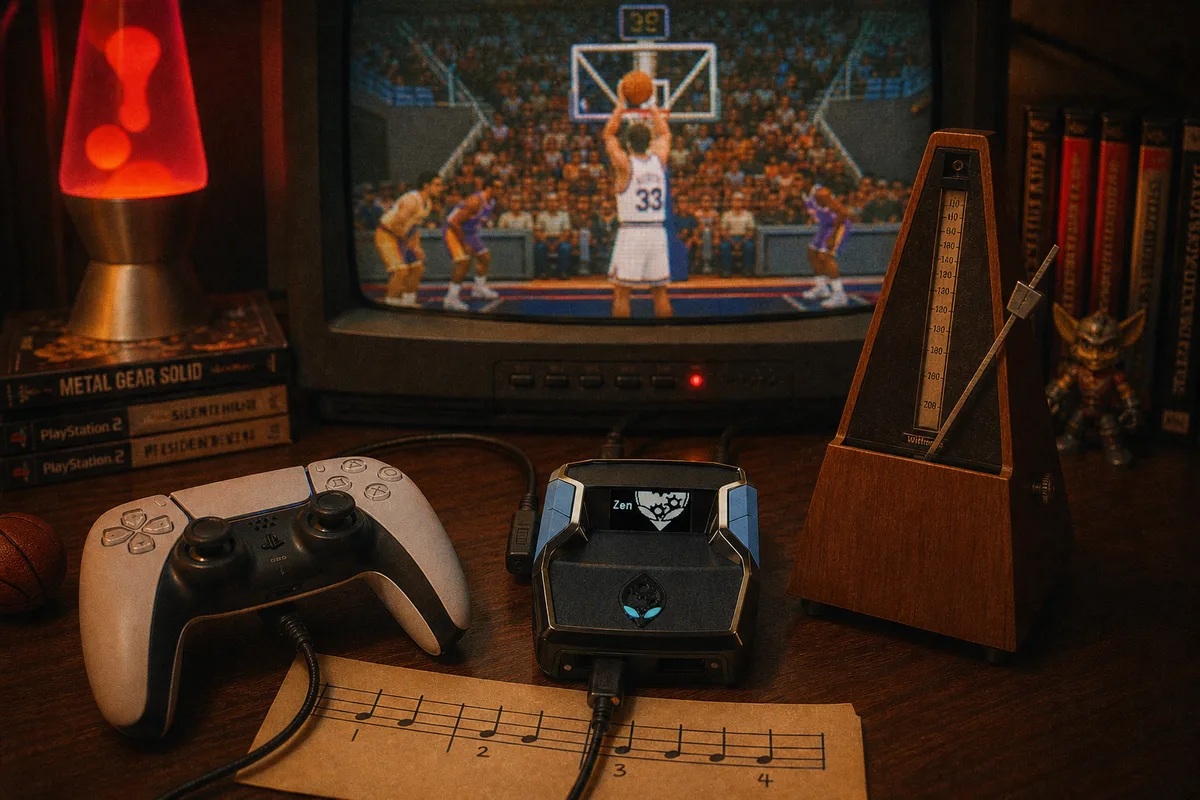
Button Rhythm is the mod in  yew2K that people ask me about the most after AI Auto-Green — usually because they've heard the name and assume it's the same thing. It isn't. Auto-Green takes over the release for you. Button Rhythm does something subtler: it regulates the rhythm of your press so the shot the game reads is the shot you intended.
What Button Rhythm Actually Does
In NBA 2K26, a button shot has two halves: the press that starts the animation and the release that ends it. The game grades you on the release point, but the release point is affected by how the press-and-hold registered in the first place. If your press timing wobbles — a few milliseconds early one possession, a few late the next — your release lands in a slightly different spot every time even when your hands feel identical.
Button Rhythm smooths that wobble at the hardware layer. The Cronus Zen sits between your controller and the console, so when you press square or X to shoot, the mod normalizes the input timing before the console ever sees it. The console still sees a standard controller — it just sees a consistent one. Your tempo stops drifting between possessions, and your green rate stops depending on whether it's the first quarter or the fourth.

Button Rhythm vs AI Auto-Green
Both mods live in the same script, and you can switch between them, so the real question is which fits how you want to play.
| Button Rhythm | AI Auto-Green | |
|---|---|---|
| Who releases the shot | You | The script |
| What it fixes | Tempo drift and inconsistent presses | The entire timing problem |
| Feel | Still feels like your jumpshot | Feels automatic |
| Best for | Players who already shoot decently | Players who want maximum green rate |
My honest take: if you were a good shooter in previous 2Ks and you just want 2K26 to stop punishing small tempo variance, run Button Rhythm. If you came to a script because your timing has never been reliable, run AI Auto-Green and don't overthink it. Plenty of yew2K users run Auto-Green in Rec and switch to Button Rhythm when they're warming up shooting drills — the point of having 14 mods in one script is that you're not locked into one approach.
Setting It Up
Button Rhythm ships inside yew2K and gets tuned through the yew2K generator — the same one-time tool you use for Auto-Green. The process:
- Buy yew2K, download the GPC from Whop, and load it in Zen Studio. If this is your first script, follow the full setup guide first.
- Open the yew2K generator and enter your jumpshot (base and releases) and your shot timing profile from the 2K26 settings menu.
- The generator builds a script tuned to that animation's rhythm. Flash it to the Zen.
- In-game, toggle Button Rhythm on from the mod menu. Shoot ten catch-and-shoot threes in a private court to feel the normalized rhythm before you queue.
One thing that trips people up: if you change your jumpshot animation, re-run the generator. Button Rhythm is tuned to the rhythm of a specific animation. A new base means new timing, and the mod can't guess which shot you swapped to.
 How to download and load your yew.gg script
Watch yew2K gameplay before you buy
How to download and load your yew.gg script
Watch yew2K gameplay before you buy
Which Settings Pair Best With It
Button Rhythm works with any shot timing profile, but it shines when the rest of your setup is stable too. Turn controller vibration off — rumble mid-shot is a tempo killer the mod can't predict. Pick one visual cue (I use Set Point) and never change it. And if you're on Wi-Fi, get on a cable; Button Rhythm normalizes your input, but it can't normalize the network. I wrote a full breakdown of the controller settings that matter for script users if you want the complete list.
Is Button Rhythm Enough on Its Own?
For shooting, maybe. But yew2K is $50 one-time for all 14 mods — AI Auto-Green, Infinite Stamina, AI Defense, Turbo Fades, Quick-Stop, Auto-Dribbles, Meter Dunk, and the rest — with free weekly updates included. You're not choosing at checkout; you're choosing per game session. That's the reason I'd never ship Button Rhythm as a standalone product: the players who love it also end up leaning on Infinite Stamina in the fourth quarter and AI Defense when they get hunted in switches.
If you want zero configuration, run the yew2K generator once and leave the defaults — it picks the Button Rhythm tier for you. Tuners can still adjust it from the mod menu.
Get yew2K — $50 one-time
yew2K — the NBA 2K27 Cronus Zen script