





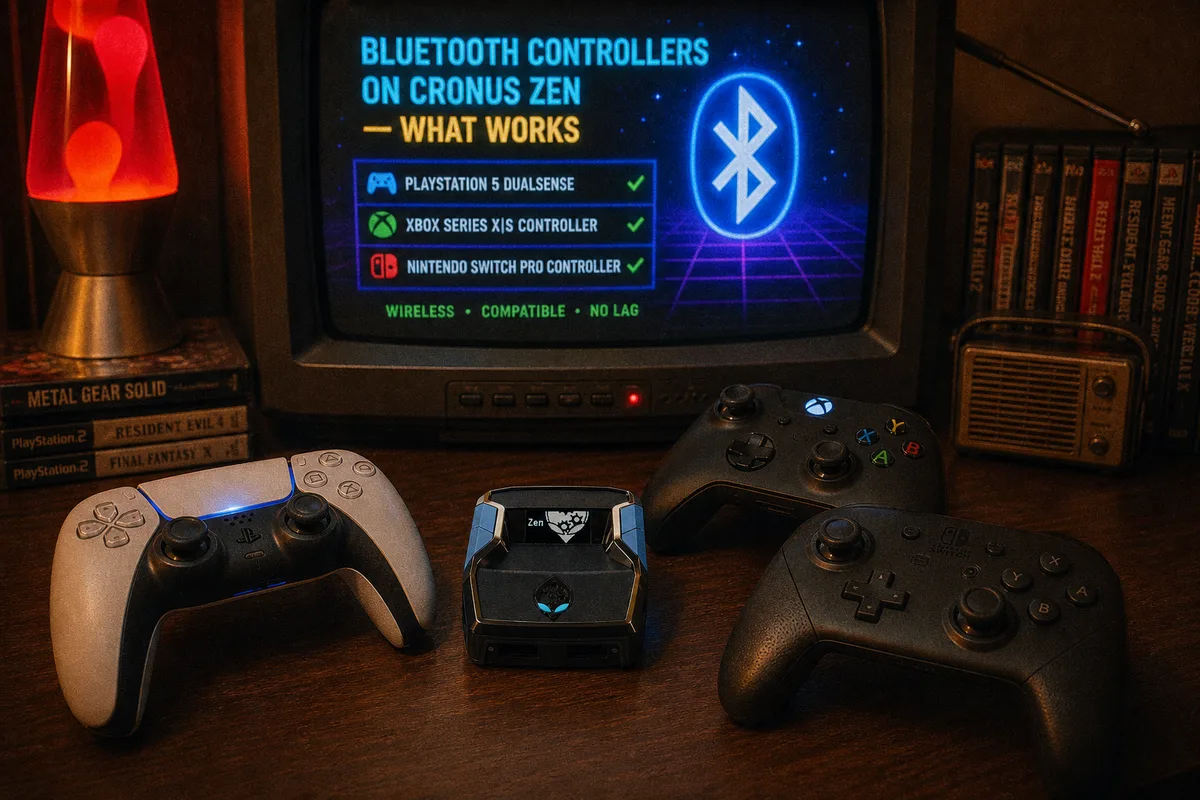
One of the first questions people ask after setup: "do I have to keep my controller wired to this thing?" The honest answer is no, you don't — the Cronus Zen supports Bluetooth controllers — but whether you should go wireless depends on what you play and how much tolerance you have for occasional pairing headaches. Here's what actually works, from someone who has paired every mainstream controller to a Zen more times than I can count.
The Short Version
- Wired into A1 — most stable, lowest latency, zero pairing hassle. What I run and what I recommend for ranked play.
- DualSense (PS5) over Bluetooth — works well. The most reliable wireless option in my experience.
- DualShock 4 (PS4) over Bluetooth — works well, very mature support.
- Xbox Series / Xbox One controllers over Bluetooth — supported but the most temperamental. Update the controller firmware via the Xbox Accessories app before trying, and be ready to fall back to wired.
- Third-party controllers — a lottery. Some pair fine, many don't. If your controller is off-brand, plan on wired.
Whatever you connect, remember the console still sees a standard controller — the Zen handles all translation on its end.

How to Pair a Controller to the Zen
The general flow is the same for every controller:
- Get the Zen connected and on its home screen (script slot selected or not — pairing doesn't care).
- Put the controller into pairing mode. On DualSense and DualShock 4, hold Share + PS until the light bar double-flashes. On Xbox controllers, hold the small pair button on top until the Xbox logo flashes rapidly.
- The Zen picks up the controller in pairing mode and links it. Watch the OLED — it reflects the connection.
- Test inputs in a menu before you queue for anything.
First-time pairing is best done with the controller fully charged and physically near the Zen. Once paired, reconnection is normally automatic when you power the controller on.
 Full Cronus Zen setup guide — PS5, Xbox & PC
The Most Common Pairing Failure: Stale Pairings
When a controller refuses to pair with the Zen, it's almost always because the controller is still bonded to its console and keeps reconnecting there instead. You press the pair combo, the console across the room wakes up, and the Zen never sees the controller.
The fix: break the old bond first. Either turn the console fully off (not rest mode), move out of its range, or plug the controller into the console once and disconnect it properly. Then do a fresh pairing with the Zen. If a controller paired before and suddenly stopped connecting, same story — clear it and re-pair from scratch.
The Latency Question
Bluetooth adds latency compared to a wired connection — that's physics, not a Zen problem. A wired controller into A1 gives you the most direct input path. For casual play, the wireless overhead is genuinely hard to feel. For timing-critical scripts — shot timing in NBA 2K26 being the obvious one — I tell everyone to go wired. When a script is calculating release frames, you don't want a variable radio link in the middle of the chain.
I broke down the full latency chain — Zen processing, wireless overhead, display lag — in the input lag article. The Zen's own processing is a rounding error; Bluetooth and your TV are where real milliseconds live.
Battery, Rest Mode, and Random Disconnects
Three wireless-specific gotchas worth knowing:
- Low battery disconnects. A controller dying mid-game over Bluetooth looks exactly like a Zen fault. It usually isn't. Charge the controller before blaming the device — and see the disconnect troubleshooting guide if drops persist on a full battery.
- Rest mode weirdness (PS5). Coming out of rest mode, the Zen may need re-authentication anyway, so a fresh controller connection at the same time is normal. If things act up after rest mode, re-do the bypass.
- Interference. Routers, headsets, and a crowded 2.4 GHz environment can make any Bluetooth link stutter. If your controller skips inputs wirelessly but is perfect wired, it's your radio environment.
What About Headsets Over Bluetooth?
Different topic with different limitations — audio through the Zen is its own maze. I covered it separately in the headset audio guide.
My Recommendation
Run wired for competitive sessions and script-heavy games; keep Bluetooth as a comfort option for casual play on the couch. The Zen supports both, and switching between them takes seconds — plug into A1 and the wired connection takes over. If you're still choosing a script to run, the 2026 script rankings cover every game we support, all $50 one-time.
Cronus Zen basics — ports, slots & concepts