



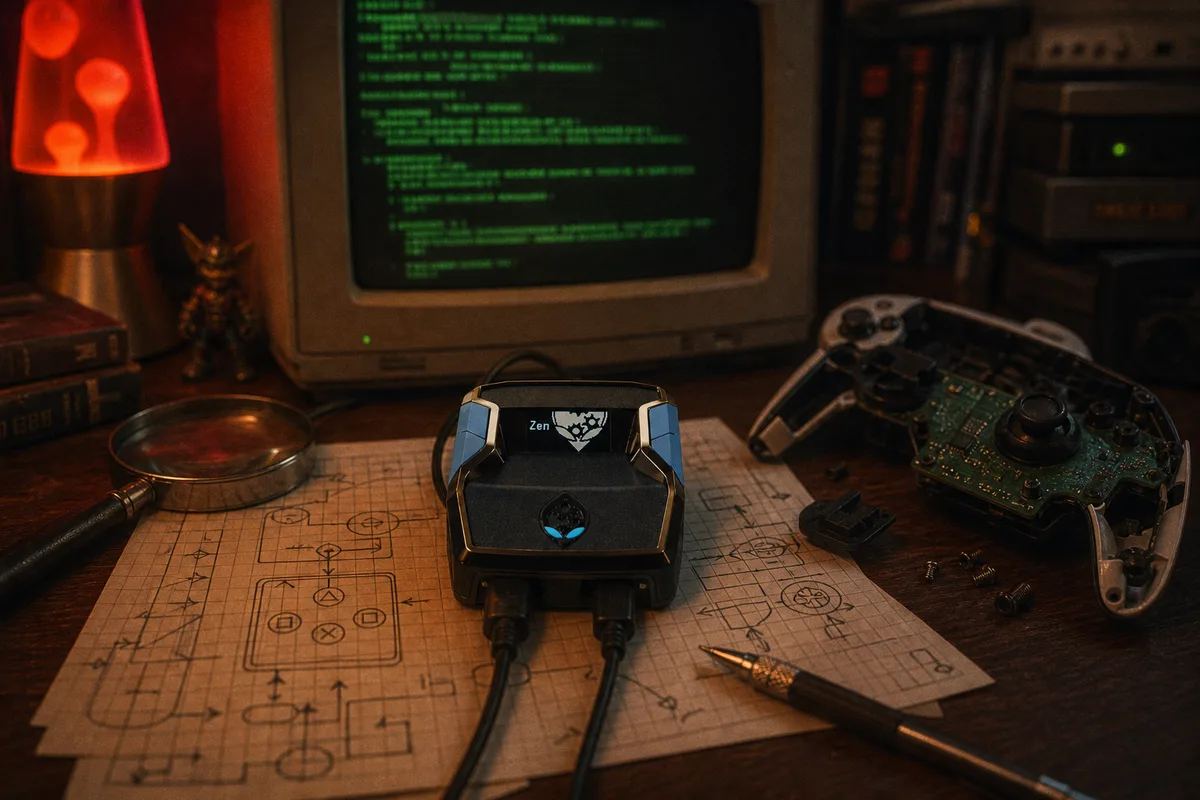
People ask me all the time: "what does the script actually do?" Fair question. You plug in a USB device, load a file, and suddenly you're greening everything. What's happening between the controller and the console? I'll break it down in simple terms with simplified code examples so you can see the logic behind each mod.
What Is GPC?
GPC (GamePack Compiler) is the programming language that runs on the Cronus Zen. It's a C-like language designed specifically for reading controller inputs and sending outputs. Every script is a .gpc file that gets compiled in Zen Studio and loaded onto the device. The script runs in a continuous loop — think of it as checking "what's happening right now?" hundreds of times per second and deciding whether to modify anything.
// the basic loop — runs every frame
main {
    input  = get_controller();
    output = process(input);
    send_to_console(output);
}
Simplified for illustration. Our actual scripts are significantly more advanced.
The console has no idea the Cronus Zen exists. It just sees a normal controller sending normal inputs. The script modifies the timing and sequencing of those inputs — that's the key.

Auto-Green: Shot Timing
This is the core of yew2K. When you press the shoot button, the script detects it and starts monitoring your player's shot animation. It calculates the exact frame to release based on your jumpshot base, whether it's a catch-and-shoot or off the dribble, and your connection latency.
// auto-green timing — simplified
if (button_pressed(SHOOT)) {
    anim    = read_shot_animation();
    window  = get_green_window(anim);
    release = window - get_latency();

    wait_ms(release);
    release_button(SHOOT);  // green
}
Simplified for illustration. Our actual scripts are significantly more advanced.
The critical piece is the get_green_window function. In basic scripts, this is just a hardcoded number. In yew2K, this is an AI calculation that factors in everything happening in real time. That's why yew2K keeps working after patches while static scripts brick.
Infinite Stamina
In 2K, sprinting drains your player's stamina bar. When it's empty, your player slows down, loses blow-by animations, and can't chain dribble moves. Infinite Stamina prevents the drain by managing your sprint input at the frame level.
// stamina management — simplified
if (held(SPRINT)) {
    tap_sprint(ON, 80 + offset);
    tap_sprint(OFF, 20ms);
    // rapid micro-taps: game reads full sprint,
    // stamina bar barely drains
}
Simplified for illustration. Our actual scripts are significantly more advanced.
The result: your player sprints at full speed for the entire game. Stamina bar stays nearly full. You can chain dribble moves in the fourth quarter and overtime without slowing down. It's a massive competitive advantage that changes how you play entirely.
Quick-Stop
Quick-Stop lets your player go from full sprint to a dead stop instantly, ready to shoot. Normally in 2K, there's a deceleration animation that delays your shot. Quick-Stop cancels it by injecting the right stick input at the exact frame.
// quick-stop — cancel momentum
if (sprint_active && button_pressed(SHOOT)) {
    inject_input(L_STICK, "opposite");
    wait_frames(2);
    begin_shot();  // instant stop → green
}
Simplified for illustration. Our actual scripts are significantly more advanced.
In practice, you sprint at a defender, tap shoot, and your player plants immediately into the shooting animation. Combined with Auto-Green, it's a stop-and-pop that greens every time.
AI Defense
AI Defense monitors the opponent's animations and reacts with the correct defensive input — contests, blocks, and positioning adjustments — faster than any human could react.
// defensive reaction — simplified
opponent = read_opponent_state();

if (opponent == "shooting")
    contest();           // hands up, timed
else if (opponent == "driving")
    position_block();    // cut off lane
else if (opponent == "posting_up")
    deny_position();     // hold ground
Simplified for illustration. Our actual scripts are significantly more advanced.
The reactions happen within 1-2 frames of the opponent's move. You don't have to think about it — the script handles the defensive mechanics while you focus on positioning and reads.
Turbo Fades
Turbo Fades speed up your fadeaway animation by injecting specific stick inputs during the fade. The result is a faster shot release that's harder to contest.
// turbo fade — speed up animation
if (is_fading()) {
    inject_input(R_STICK, fade_direction);
    speed = get_turbo_value();
    accelerate_anim(speed);
    // fade comes out 30-40% faster
}
Simplified for illustration. Our actual scripts are significantly more advanced.
Stack Turbo Fades with Auto-Green Fades and you've got a fadeaway that comes out fast, greens every time, and is nearly impossible to contest. It's the most overpowered combination in the script.
How Many Mods Can Run at Once?
All of them. Every mod runs simultaneously in the same main loop. The script checks every condition on every frame and applies whichever mods are relevant to the current game state. Shooting? Auto-Green kicks in. Sprinting? Infinite Stamina manages your bar. On defense? AI Defense reads the opponent. It's all happening at once, hundreds of times per second, with zero additional latency.
// all mods in one loop
main {
    auto_green();
    infinite_stamina();
    quick_stop();
    ai_defense();
    turbo_fades();
    auto_dribbles();
    // ... all 14 mods, every frame
}
Simplified for illustration. Our actual scripts are significantly more advanced.
Seeing the code makes it click. You realize this isn't some random macro — it's actually reading the game in real time.
 Recommended script