

Perfect SwingNEW
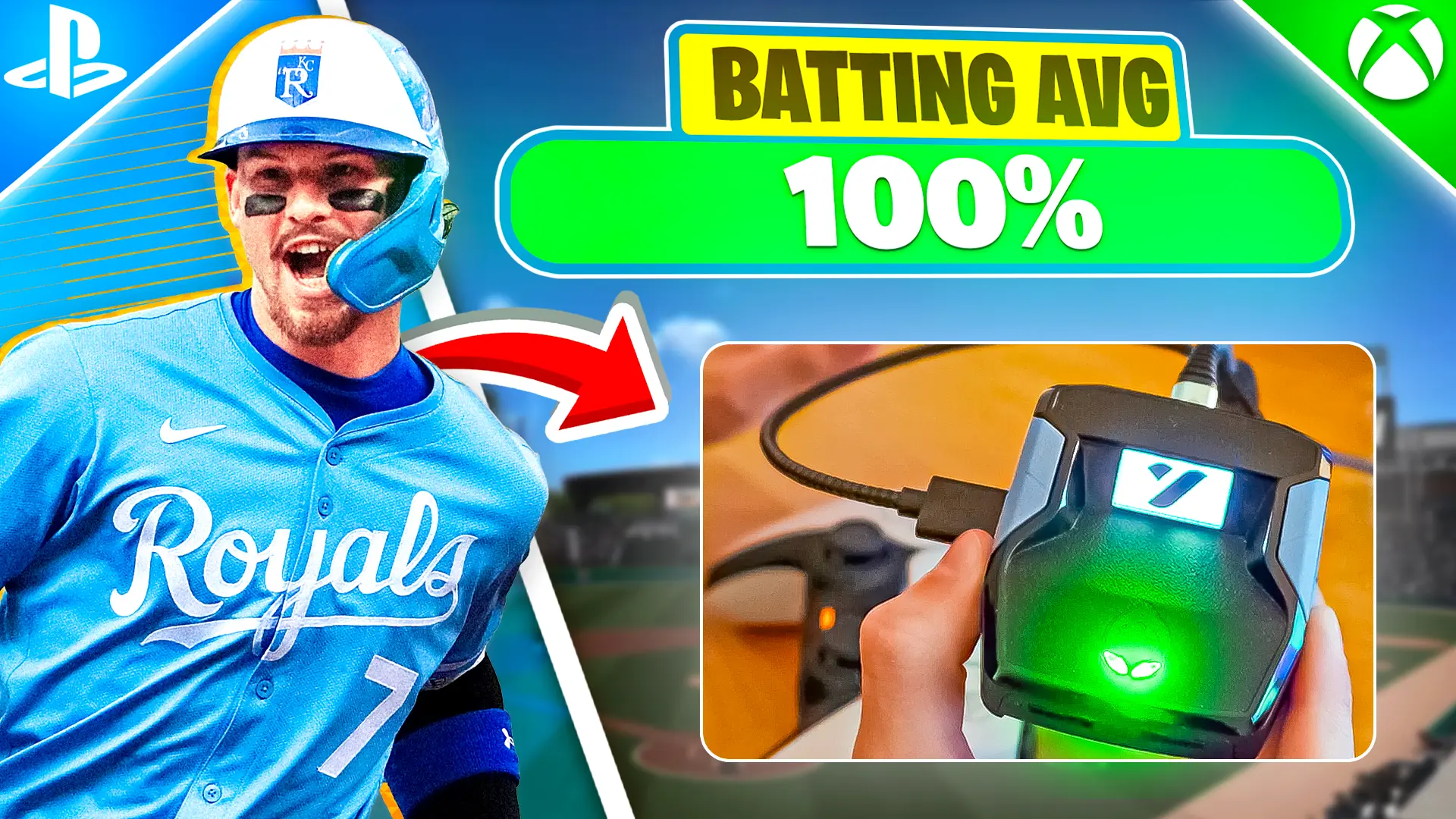
Dime times the swing for you with a tunable Swing MS window — dial it to your setup once and hit perfect-contact timing on demand.

Purchase immediately unlocks full access. Download right here on yew.gg, from your email, or Discord! We've made it easier than ever to access your scripts from anywhere.

Purchase immediately unlocks full access. Download right here on yew.gg, from your email, or Discord! We've made it easier than ever to access your scripts from anywhere.
The #1 MLB The Show 26 Cronus Zen script — Perfect Swing timing, PCI Assist, Check Swing, and Perfect Throw fielding for Diamond Dynasty. Access the script, tutorials, the @dime community, and weekly updates.
7 mods included in one script
Dime times the swing for you with a tunable Swing MS window — dial it to your setup once and hit perfect-contact timing on demand.
Frame-perfect check swings — start the swing and Dime pulls it back in time when you lay off, so borderline pitches stop turning into strikeouts.
PCI help with tunable PCI Power and PCI Zone settings — keeps your plate-coverage indicator working the zone so contact comes easier.
Fielding automation that takes the panic out of defense — cleaner routes and reads on balls in play.
Auto-timed throw release on fielding plays — outfield assists and infield turns release in the perfect window so the ball beats the runner.
Auto-timed slides on the basepaths with a tunable Slide MS window — beat the tag without fumbling the input mid-play.
On-device profile switcher (Profile 1 / Profile 2) with paired hold/release timing tables — flip presets between innings without leaving the game.
Your purchase unlocks it instantly — download it right here on yew.gg from the Script Download tab, from your email receipt, or in our Discord. Learn more.
dime.gpc Instant download right here on yew.gg after checkout. We email your access link too.Real user data — verified by
 TTV_SlxyerVerified Purchase
Controller player on PS5 and Champion makes me feel like I'm on PC. Auto-Tracking locks onto players through their cover and Turbo Edit is faster than scroll-wheel reset on KBM. AI Beam melts pumps + SMGs in close fights. Climbed from Gold to Champion in ranked in 2 weeks. Best battle royale script hands down.
 WavyJxshVerified Purchase
Setup with the Champion generator took 3 minutes — drop the file on my Zen, plug in, done. Insta Reset hits the wall-replace before they can swap, and Crouch Shot makes me untouchable in zero build endgames. Whole squad bought it after watching my replay tape. Best $50 I've spent on battle royale.
 FN_ClutchhVerified Purchase
Been running Champion for 3 weeks. Pick-up Macro is huge end-game when you're rotating off storm — full-loot a body in one button. Anti-Recoil + Anti-Bloom turn every gun into a laser, and Pre-fire Macro catches peekers before they even render me. We went from Diamond III to Elite this season. Free weekly updates too.