




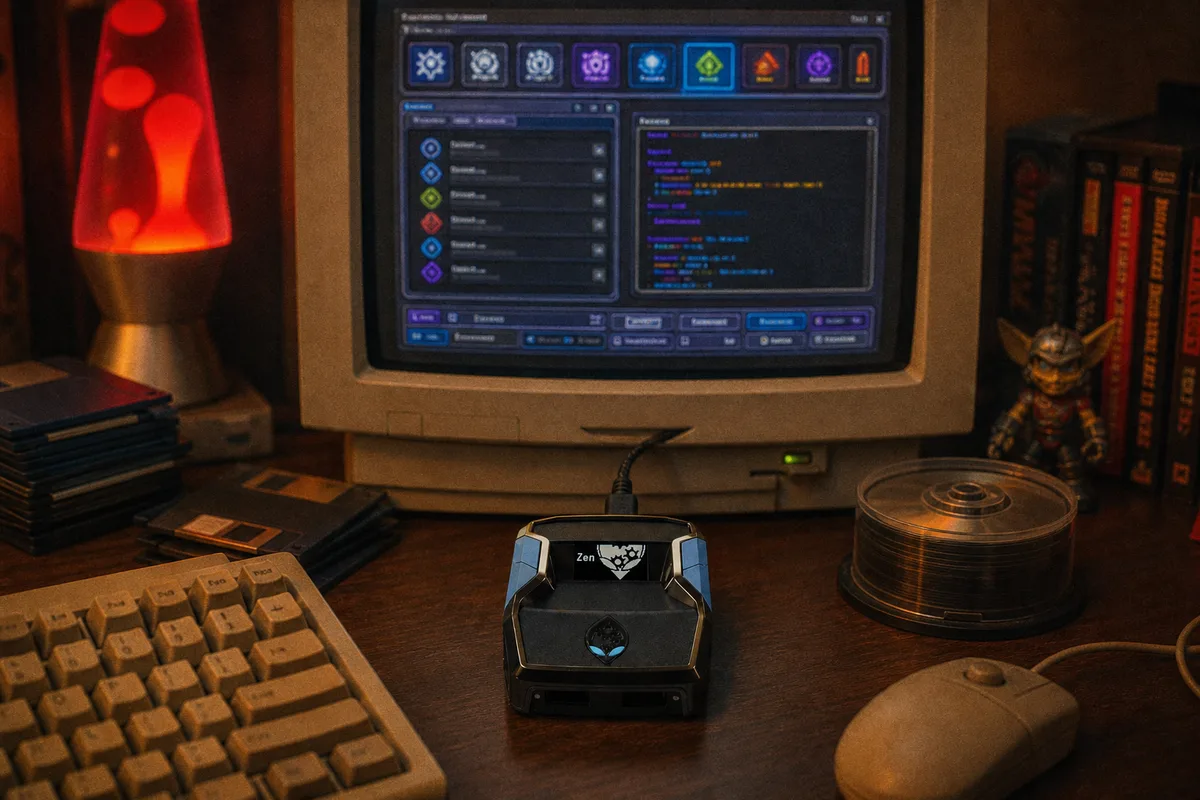
Zen Studio is the official companion software for the Cronus Zen. It's where you do everything related to managing your device — loading scripts, updating firmware, and configuring settings. It's completely free, made by Cronus, and you'll need it for the initial setup. After that, you only need to open it when you want to make changes.
It's available for both Windows and Mac. You can download it from the official Cronus website. I'd recommend only downloading it from there — please avoid third-party download sites.
What It Actually Does
Zen Studio handles four main things: firmware updates, script loading, script compiling, and device configuration.
The firmware side keeps your Cronus Zen compatible with the latest console software from Sony and Microsoft. Script loading is what you'll use most. The Zen has 8 memory slots, and each one can hold a separate script. You compile your .gpc file in Zen Studio, place it into a slot, and it transfers to the device. The whole process takes about 10 seconds.
Device configuration includes things like setting the output protocol (which tells the Zen whether it's connected to a PS5, Xbox, or PC), button remapping, and sensitivity adjustments. Most people configure the output protocol once during initial setup and never need to change it again.

Loading a Script
First, connect your Cronus Zen to your PC using both USB cables — one goes from the OUTPUT port (on top) and the other from the PROG port (on the right side). Then open Zen Studio.
Next, you'll need your .gpc script file. For yew scripts, you download this from our Whop page after purchasing. Open the Compiler tab in Zen Studio and drag your .gpc file into it. Click Compile — it should say "Compiled successfully" almost instantly. Then drag the compiled script from the Compiler into one of the 8 memory slots on the right side of the screen and click the Play button.
That's it — your script is now loaded onto the Cronus Zen. You can disconnect from your PC, plug the Zen into your console, and start playing.
Memory Slots
The Cronus Zen has 8 memory slots, and each one holds a single script. You switch between them using the physical button on the device. So for example, if you have yew2K loaded in slot 1 and yewFN in slot 2, you can switch between games without needing to go back to your computer. Scripts remain in their assigned slots until you choose to overwrite them, and firmware updates don't affect them at all.
Do You Need It Running While You Play?
No, you don't. Once your scripts are loaded onto the Cronus Zen, the device is completely self-contained. You can disconnect it from your PC, bring it to wherever your console is, and play. There's no need to have a computer nearby during gameplay. Zen Studio is only needed for setup and when you want to make changes.
 Recommended script