





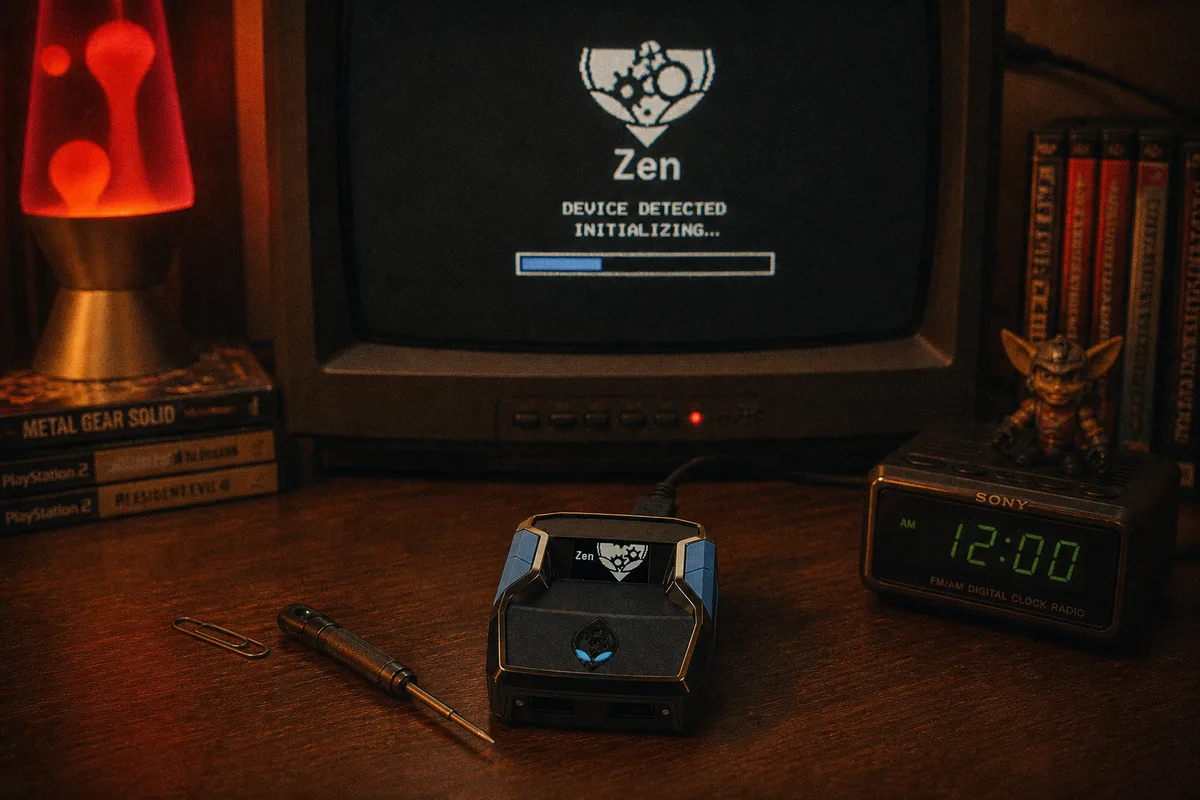
Somewhere on the internet, every Cronus Zen problem has the same top-voted answer: "just hard reset it." That advice is half right. The reset procedure — via the small blue button on the bottom of the device — genuinely rescues Zens that look completely dead. But it's a recovery tool for specific failures, not a first move, and using it when you actually have a cable problem just adds a firmware reflash to your evening. This guide covers when a hard reset is the right call, the exact steps, and what to do after.
Soft Reset First: The Unplug-Everything Cycle
Before touching the blue button, do the basic power cycle, because it resolves a surprising number of glitches:
- Unplug everything from the Zen — OUTPUT, PROG, controller, peripherals.
- Wait ten seconds.
- Reconnect in order: controller into A1, then OUTPUT to the console (doing the bypass if you're on PS5).
Frozen OLED, unresponsive inputs, weird one-off behavior after hours of play — the soft cycle clears most of it. If the device comes back normal, you're done; no bootloader needed.

When a Hard Reset Is Actually the Answer
Reach for the blue button when you see one of these:
- Boot loop — the OLED shows the boot screen over and over, never reaching the home state.
- Frozen boot — stuck on the logo indefinitely, on multiple cables and ports.
- Interrupted firmware update — the update lost power or the cable dropped mid-flash, and now the device won't start. This is the classic case.
- Total non-detection — Zen Studio can't see the device on any cable, any port, any computer, after working through the full detection checklist.
- Corrupted state — the device boots but behaves erratically in ways that survive power cycles and re-flashing scripts.
Notice what's not on that list: scripts misbehaving in-game (that's a script diagnosis problem), PS5 auth drops (re-do the bypass), and audio issues (a routing problem). A hard reset fixes none of those.
 Not detected? Run this checklist first
The Hard Reset Procedure
What the blue button actually does: held during power-on, it boots the Zen into bootloader mode — a minimal recovery state that exists purely to accept a fresh firmware flash. Here's the full procedure:
- Unplug everything from the Zen. Controller out, all cables out.
- Flip the device over and locate the blue button on the bottom.
- Hold the blue button down and keep holding it.
- While holding, plug a data cable from your PC into the Zen's PROG port (the side port — Zen Studio can only talk to PROG).
- Watch the OLED: when the bootloader screen appears (visibly different from the normal interface), release the button.
- Open Zen Studio and run a firmware update. The bootloader accepts the flash even when normal boot was failing.
- When the flash completes, the device reboots into the normal interface.
If Zen Studio itself won't cooperate, there's a second route: the Chromium-based web update tool, which flashes firmware over WebUSB from Chrome or Edge. Same bootloader entry, different flashing tool. Both paths are covered in the firmware guide.
Firmware flashing & recovery — full docs
How to update Cronus Zen firmware (both methods)
Use a Good Cable — This Is Not the Moment to Gamble
The most common way people end up needing a hard reset is an interrupted firmware flash, and the most common cause of interrupted flashes is a marginal cable. Recovery uses the same USB connection — so use your best data cable, plug directly into a rear PC port, and leave everything alone for the duration. If you're not sure which of your cables to trust, the cable guide has a 30-second test.
What a Hard Reset Does and Doesn't Clear
- Cleared/replaced: the firmware — you're reflashing it fresh, which is the point.
- Your scripts: plan on re-flashing your memory slots afterward. Since your .gpc files live on your PC (and re-download free from Whop for yew.gg scripts), this costs you five minutes in the Programmer tab, not money — a one-time purchase means re-downloads stay included.
- Not affected: anything console-side. Your PS5 bypass isn't "stored" anywhere — you redo it each connection anyway — and the console never knew the Zen existed as anything but a controller.
After Recovery: Set Up Clean
Once the device boots normally: update to current firmware if the recovery flash wasn't latest, re-flash your scripts to their slots, unplug PROG, and reconnect to your console. That's the standard setup flow from step 2 onward. In several years of support I haven't seen a Zen that bootloader recovery couldn't bring back from an interrupted update — if yours truly won't enter bootloader mode on any cable or PC, that's the rare hardware failure, and Cronus support is the next stop.
Setup guide — get back to playing after recovery