





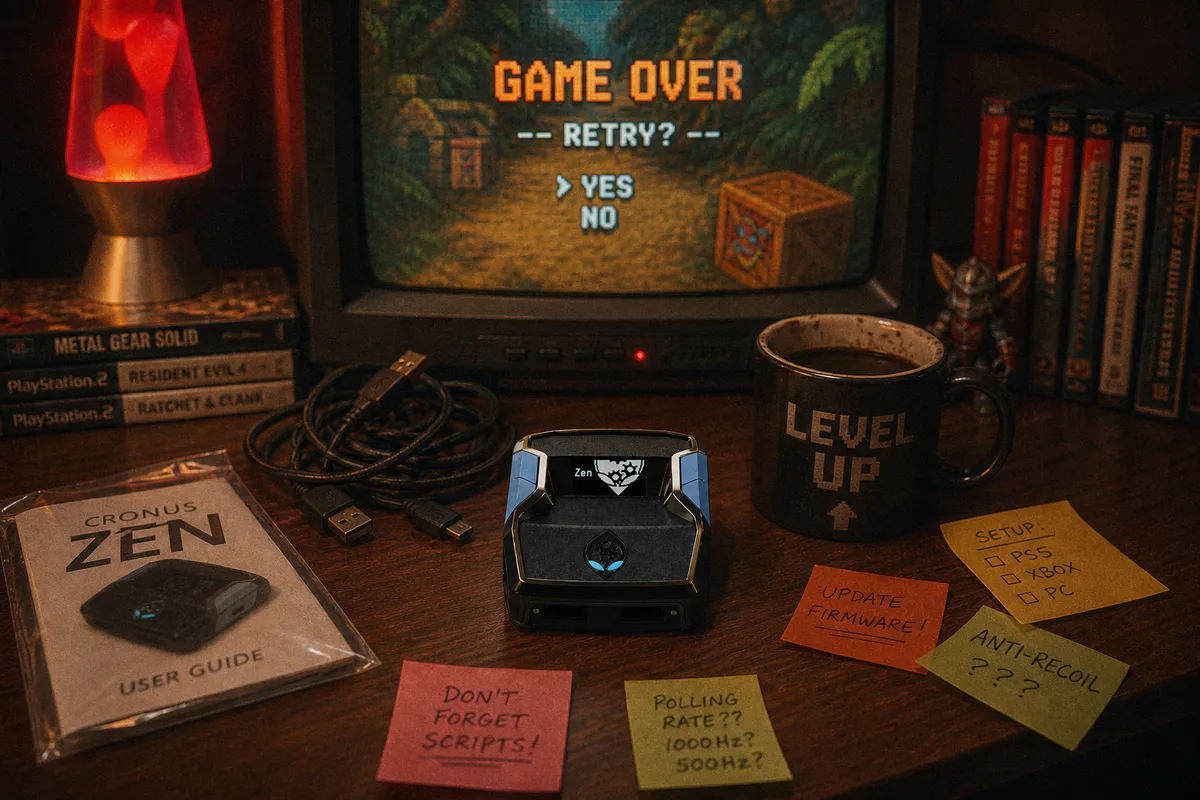
I've walked hundreds of people through Zen setup on calls and in the Discord, and the striking thing is how repetitive the problems are. It's not a hundred different issues — it's the same ten, over and over. Here they are, roughly ordered by how often I see them. If you're new, reading this list is the highest-value ten minutes you'll spend.
1. Using charge-only USB cables
The number one issue, by a wide margin. Many USB cables — especially ones that came with phones or accessories — carry power but not data. The Zen appears powered, lights on, but nothing communicates. If your Zen isn't being detected, swap every cable in the chain for a known data cable before touching anything else.

2. Skipping the firmware update
New units ship with whatever firmware they were boxed with, which can be well behind current. Old firmware causes everything from connection failures to scripts misbehaving in ways that look like script bugs. Updating takes minutes in Zen Studio — do it first, before loading anything. Walkthrough at the firmware guide and the full firmware post.
3. Wrong connection order
The Zen expects things to happen in sequence: Zen powered and fully booted first, then the controller, then the console link. Plugging things in randomly produces detection loops that look like hardware failure. Burn the order into memory once from the connection guide and this whole category disappears.
4. Ignoring PS5 authentication
PS5 setups need a specific authentication arrangement with a genuine controller in the chain. It's not optional and it's not obvious — new PS5 owners hit this constantly. Five minutes with the PS5 guide solves it permanently.
5. Loading scripts into the wrong slot — or the wrong script entirely
The Zen holds multiple script slots, and beginners regularly flash a script, select a different slot, and conclude the script is broken. Verify which slot is active on the Zen's display. Related: downloading an old version from your files instead of the current one — with our scripts, always grab the latest from your Whop downloads, since free weekly updates mean the file changes often.
6. Stacking features or running overlapping scripts
Turning every toggle on at once, or trying to run behaviors that fight each other. Features that each work alone can conflict — two things trying to manage the same button is undefined behavior. Start with the recommended config, confirm it works, then change one thing at a time.
7. Not matching in-game settings
The invisible one. Serious scripts are tuned against specific in-game settings — sensitivity, deadzones, meter options. Load the script with random settings and it "works" but performs badly, and nothing tells you why. Every yew.gg script ships with recommended settings; set them before judging anything.
8. Judging timing features during bad network conditions
Timing-sensitive features interact with latency. Testing an auto-timing feature for the first time on wifi across the house during peak hours tells you nothing. Baseline on your normal, stable connection before concluding something's off.
9. Buying the script before understanding the hardware cost
The Zen device is a separate purchase from the official Cronus store — scripts from us are $50 one-time, hardware is standard retail from Cronus. Occasionally someone buys a script expecting the device to be included. Full breakdown in where to buy a Zen.
10. Troubleshooting alone for hours
The meta-mistake that makes every other one worse. Every yew.gg purchase includes a free setup call and Discord support — most of the nine problems above resolve in minutes on a call, versus an evening solo. How to use it: the Discord support guide.
 The full setup guide — do it right the first time
The five-minute pre-flight checklist
- Known-good USB data cables everywhere
- Firmware updated in Zen Studio
- Connection order: Zen → controller → console
- PS5? Authentication set up per the guide
- Correct slot active, latest script version, recommended in-game settings applied
Run that list before your first session and you've dodged the mistakes that generate most of our support volume. And if something still misbehaves — that's what the setup call is for.
Connection guide — order, ports, and cables
Firmware guide — update before anything else
Browse scripts — setup call and support included with every one