





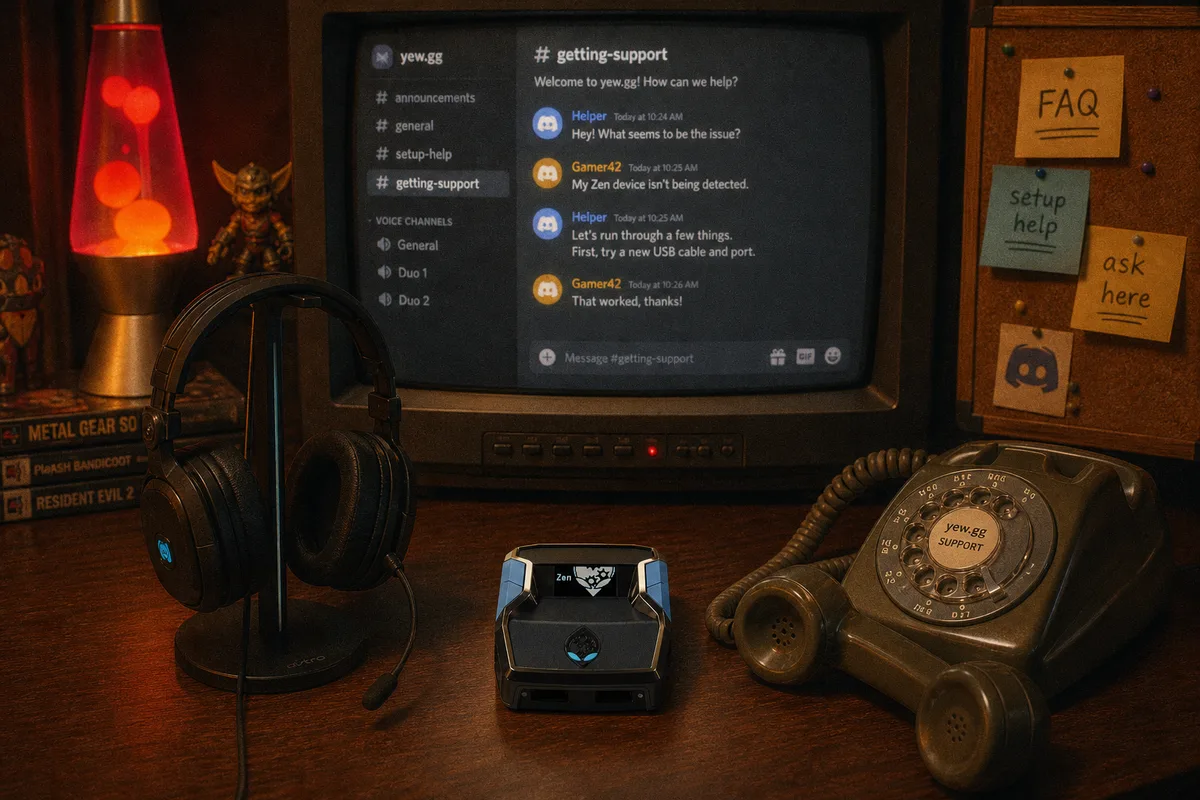
I answer a lot of the support questions in our Discord, so this post is partly self-interested: the better you know how support works, the faster we get you fixed. But it's also a buying-guide topic in disguise — support is a real part of what you're paying for with any script, and you should know what it looks like before you buy, from us or anyone.
What's included with every script
Every yew.gg purchase — any script, all $50 one-time — includes the same support package:
- Access to the yew.gg Discord — the support and community server
- A free setup call — a live session where we get your Zen and script working end to end
- Update announcements — free weekly updates ship with notes in the server
There's no premium support tier, no paid priority queue. One package, included.

Step one: join the Discord after checkout
Checkout runs through Whop, and your purchase unlocks access to the server. Join with the account you bought under so access links up cleanly. Once you're in, two places matter immediately: the setup/support channels, and the update announcement channel for your game's script.
The free setup call — actually use it
The most underused thing we offer. A surprising number of buyers grind through setup alone, hit the PS5 authentication step or a cable issue, spend an evening frustrated, and then ask for help. The call exists so that evening never happens: we go live, walk the connection order, flash the script in Zen Studio, check firmware, and confirm it's working in your actual game.
Book it when your Zen has arrived and you have your console and a bit of time in the same room. First-time Zen owners especially — the difference between reading the setup guide alone and having someone watch your screen is enormous.
How to ask a support question that gets answered fast
When something breaks, the speed of your fix is mostly determined by your first message. "Script not working" requires five rounds of back-and-forth before anyone can help. Instead, post these five things up front:
- Game and script — "yew2K on 2K27," "yewFN on Fortnite"
- Console — PS5, Xbox, or PC (PS5 issues are their own category)
- Zen firmware version — shown in Zen Studio; if you don't know it, that's often the answer already (firmware guide)
- Connection method — which ports, which cables, wired or wireless controller
- What you've tried — so nobody suggests the thing you did twice
With those five, most issues resolve in a couple of messages, because the common problems — charge-only cables, stale firmware, connection order, a not-detected loop — are each diagnosable from that info alone.
What support covers (and what it can't)
Fair expectations, both directions. In scope: setup on any platform, script configuration and tuning questions, update problems, and "is this behavior right?" questions. We'll also tell you honestly when the issue is the game — servers, patches mid-rollout — rather than pretending a script tweak fixes everything.
Out of scope: hardware repairs (the device warranty is with Cronus, where you bought the unit), and promises no honest seller makes — we won't tell you any setup is undetectable or ban-proof, a stance explained in the ban risk myths post.
Why this matters before you've bought anything
You can evaluate a seller's support before spending a cent: is the server active, are questions getting real answers, do update announcements actually appear weekly? That transparency test applies to us too — and it's a core item on the script-buying checklist.
 Connection guide — solve the most common issues yourself
Every script includes the setup call and Discord support
Connection guide — solve the most common issues yourself
Every script includes the setup call and Discord support