





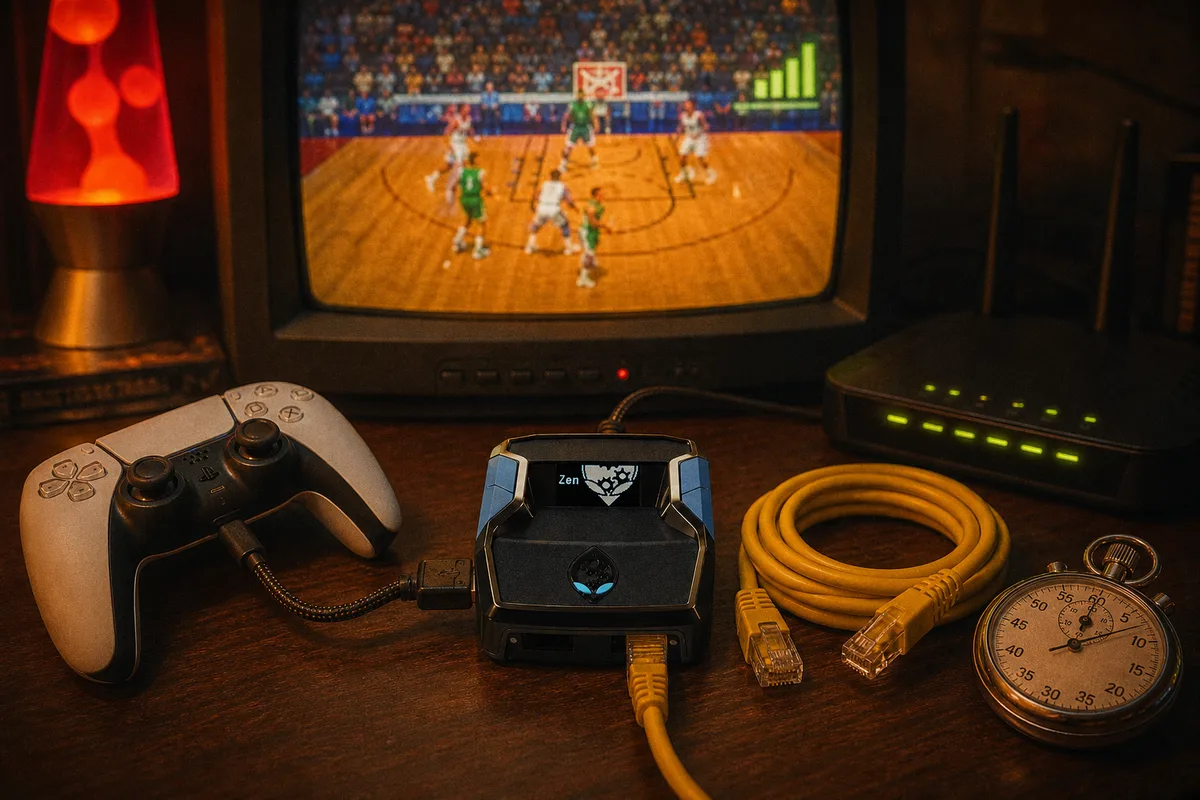
I work on the engineering side of yew.gg, and latency is the topic where I most want players to have an accurate mental model — because it explains both why your shooting feels different on different nights and why we built  yew2K with adaptive timing instead of hardcoded values. Nothing here is hand-waving; it's the input chain your shot actually travels.
The Chain Your Shot Release Travels
When you release the shot button in NBA 2K26, that input passes through several stages before the game grades it:
- Controller to Cronus Zen. Wired to the A1 port, this hop is fast and — more importantly — stable.
- Zen to console. The Zen processes the input and forwards standard controller signals. This is where scripts do their work, at the hardware layer, and its processing time is a known, constant quantity.
- Console processing. The game engine ingests the input on its next polling cycle and advances the animation.
- Console to server. In online play, your release is reconciled with the server's game state. This hop is your ping, and it is the largest and least stable segment of the chain.
The green window exists in the game's timeline, not yours. The animation you watch is a local prediction; the grade comes from where your input lands after the full chain. At higher latency, the release you perceive as perfect arrives measurably late.

Ping vs Jitter — the Distinction That Matters
Raw ping gets the attention, but a constant delay is a solvable problem — you (or a script) can shift timing earlier by a fixed amount and land in the window every time. The real enemy is jitter: variance in that delay from moment to moment. If your latency swings between 25ms and 60ms across a game, no single offset is ever correct. The window is effectively teleporting between shots.
This is why the practical advice is stability-first: a stable 40ms connection produces better shooting than an average-25ms connection that spikes. And it's why Wi-Fi is the problem even when the speed test looks fine — wireless adds variance at the exact layer where variance hurts most.
Why Static Scripts Break Here
Free GPC scripts and older packs encode shot timing as a fixed number: wait N milliseconds, release. Ask yourself: correct for whom? That number bakes in one latency. The author's. If your chain is 30ms slower than theirs, every release lands 30ms off-center — and no amount of fiddling fixes the jitter problem, because a constant can't track a moving value. It also breaks the moment a patch shifts animation timing, but that's its own article.
AI Auto-Green treats latency as an input, not an assumption. The release calculation runs per shot: read the animation, take the build and jumpshot tuning from the yew2K generator, factor the current latency conditions, and compute the release for this attempt on this connection. Same script, correct timing, whether you're on fiber next to the server or on a regional connection with 60ms. That architecture is the entire reason adaptive timing exists as a product category — the mechanics are in how Cronus Zen scripts work.
Minimizing Your End of the Chain
The script compensates for latency, but a shorter, stabler chain is always better. In order of impact:
- Ethernet to the console. The single biggest jitter reduction available. If a cable run is impossible, powerline adapters beat Wi-Fi; if Wi-Fi is unavoidable, use 5GHz close to the router.
- Wired controller. Your controller connects to the Zen's A1 port with a data cable — this is already the setup requirement, and it removes wireless controller variance for free.
- Stop competing traffic. Downloads, streams, and other devices saturating the connection create jitter spikes mid-game. Pause them while you play.
- TV game mode. Display lag doesn't move the green window — the script operates at the input layer, before the display — but it delays what you see, which affects every manual read: defense, dribbling, passing.
 Full Cronus Zen setup guide — cables and connections
Connection reference for every platform
Full Cronus Zen setup guide — cables and connections
Connection reference for every platform
A Realistic Expectation
Even with adaptive timing, extreme conditions have limits. If your connection is spiking hundreds of milliseconds with packet loss, the game state itself is desynced — teleporting defenders, rubber-banding movement — and no input-layer tool fixes a broken game state. What Auto-Green removes is the ordinary latency tax: the constant offset plus normal jitter that makes the same jumpshot feel different every night. Fix the connection basics, let the script handle the residual, and your green rate stops depending on which server you drew.
Watch Auto-Green gameplay
Get yew2K — latency-adaptive timing, $50 one-time