





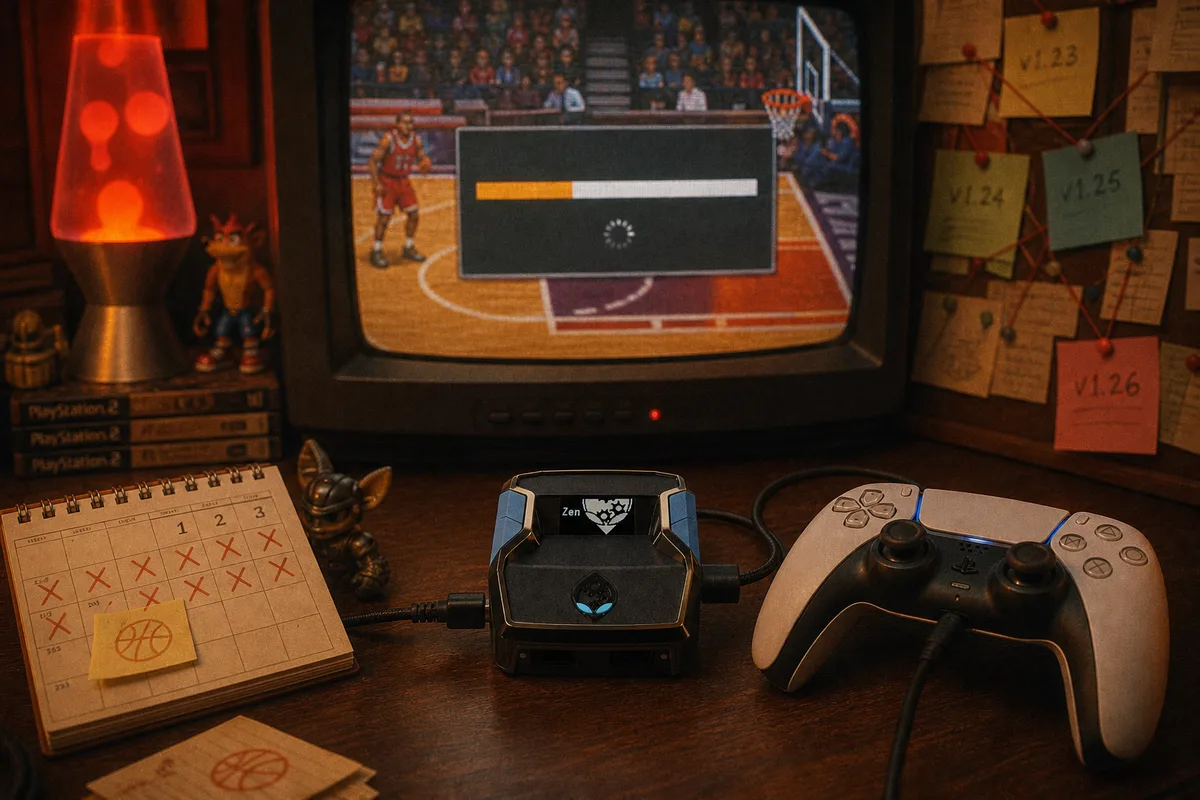
Patch day is when the script market sorts itself. NBA 2K26 ships regular patches and season updates, and a meaningful share of them touch gameplay: shooting difficulty, animation speeds, badge behavior, contest logic. Every one of those is a variable that timing scripts depend on. I maintain the engineering side of this at yew.gg, so let me walk through what patches actually change, why it kills some scripts and not others, and what you should do on patch day.
What a 2K26 Patch Can Move
From a script's perspective, gameplay patches touch four things that matter:
- Shot timing. 2K tunes shooting difficulty across the year — season starts and mid-season adjustments regularly resize green windows or shift where they sit inside animations. A release point that was centered before the patch can be off-center after it.
- Animation speeds. Jumpshot bases, dribble moves, and fade animations get retimed. Any mod keyed to animation rhythm — Auto-Green, Turbo Fades, Meter Dunk — is exposed when the underlying animation changes length.
- Contest and defense logic. Changes to how contests grade or how defenders move ripple into AI Defense timing and into the effective value of separation moves.
- Meta shifts. Badge and attribute rebalances change which jumpshots and builds people run — indirect, but it changes what a script needs to be tuned for.
Notice what patches don't change: the Cronus Zen itself. The device still sits between controller and console presenting a standard controller. Patches move the game's timing, not the hardware layer — so the question is purely whether your script's timing model can move with it.

Why Static Scripts Die on Patch Day
A free script with hardcoded values — wait N frames, release — encodes assumptions about one patch's animation timing. When the patch moves the animation, the number is silently wrong. Nothing errors. The script runs, shots go up, and your green rate quietly collapses until someone in a forum thread figures out the new number. For abandoned packs, nobody ever does. This is the actual lifecycle behind every "this script used to work" post, and it's the structural reason we built adaptive timing instead.
 yew2K's architecture absorbs the small stuff: because AI Auto-Green calculates releases per shot from the animation it reads — rather than replaying a constant — minor timing drift gets compensated automatically. Larger changes, like a retuned animation set or a shooting difficulty overhaul, get handled by the other half of the system: us.
Our Update Pipeline
Every yew.gg script includes free weekly updates included — that's the product, not a perk. When a patch lands, the process is: test the gameplay changes against current script timing, retune what moved, and ship the update through Whop, where you download the refreshed GPC the same way you got the original. Load it in Zen Studio, and if the patch changed something on your side of the tuning — your jumpshot animation got retimed, say — the update notes tell you to re-run the yew2K generator so the script matches your setup again.
The weekly cadence means patch response isn't an emergency scramble; it's the normal rhythm of the product. This is what the one-time $50 actually buys — not a file, but a file that keeps pace with a live game. No subscription, no update fees.
 How to download and reload your updated script
Firmware updates — a separate thing, also covered
How to download and reload your updated script
Firmware updates — a separate thing, also covered
Your Patch-Day Checklist
When 2K26 ships a notable gameplay patch:
- Check Whop for a script update and the update notes. If the patch touched shooting or animations, an update is typically already there or imminent.
- Reload the GPC in Zen Studio — drag the new file into your slot and Compile & Run, same as first setup.
- Re-run the yew2K generator if flagged. Update notes say when this is needed; it takes five minutes.
- Test in a private court first. Ten catch-and-shoot reps before ranked confirms everything is aligned. Never discover a patch's effects mid-Rec-game.
And a preventive habit: don't change your jumpshot the day a patch drops just because a creator posted a new meta shot. Patch day already has one moving variable; adding a second makes any issue impossible to diagnose. Settle the script update first, then experiment — the reasoning is the same as in the jumpshot selection guide: stability beats meta.
Watch yew2K on the current patch
Get yew2K — free weekly updates included, $50 one-time