





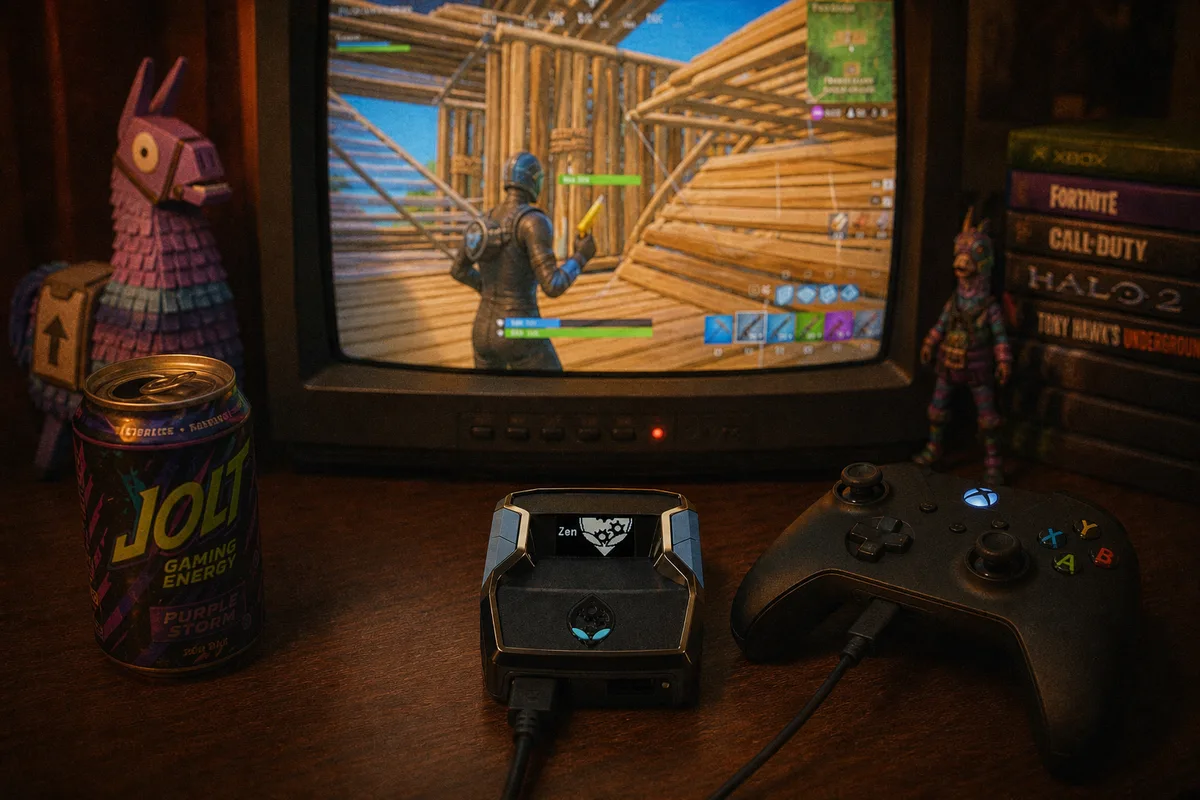
Watch any good Fortnite player fight in a box and the thing that stands out isn't their aim — it's how fast walls stop being walls. Editing speed decides close fights on controller more than almost any other mechanic, and it's also where controller players give up the most time to mouse-and-keyboard. That gap is exactly what Turbo Edit and Insta Reset in  yewFN were built to close, so let's get into what they actually do.
Anatomy of an Edit
Every edit in Fortnite is four phases, and it's worth separating them because the mods only touch some:
- Enter edit mode — you press your edit bind while looking at a build piece.
- Select tiles — you highlight which sections to open. This is the decision: window, door, side-cut, full clear.
- Confirm — you commit the edit and the piece changes.
- Reset — after the fight moves on, you restore the piece to solid so you're protected again.
Phase two is skill — where the opponent is standing decides which tiles you pick, and no script knows that. Phases three and four are pure mechanics: press a button as fast and cleanly as possible, often several times in a sequence. Mechanical, repeated, timing-sensitive — which, if you read the building macros guide, you'll recognize as exactly what a Cronus Zen is good at.

What Turbo Edit Does
Turbo Edit tightens the confirm side of the edit. When you commit an edit, the script fires the confirm input with hardware-layer timing — no human hesitation between selection and confirmation, no wasted frames between deciding and the wall actually opening. In a box fight where both players are editing at each other, the one whose edits land first gets the first shot, and first shot wins most shotgun exchanges.
The feel is subtle at first. You're not doing anything differently — you select your tiles the same way you always did. The difference is the dead time between your decision and the game's response, which shrinks to what the hardware allows instead of what your thumb allows. After a session it stops feeling fast and starts feeling like the game finally keeping up with you.
What Insta Reset Does
Insta Reset handles phase four. Resetting edits is the mechanic everyone neglects: you win the exchange through the window, and then you're standing behind an open wall reloading. The reset is a fixed input sequence and it's the same every time — perfect macro territory. Insta Reset restores the piece the moment you trigger it, which means the gap between "fight over" and "protected again" nearly disappears.
Good players reset out of habit. Insta Reset makes the habit nearly free, which means you actually do it mid-fight instead of only remembering in replay review.
 Watch yewFN edits in a live match
Drills That Make It Stick
The script accelerates confirms and resets — it doesn't pick your tiles or tell you when to edit. That part is still training, and here's the routine I recommend:
1. Slow edits, empty creative map (10 minutes)
Build a wall, edit a window, confirm, reset. Then a door. Then a side-cut. No speed, no pressure — you're building the tile-selection vocabulary. The script is doing its part on every confirm and reset already; you're training the only part it can't do.
2. Edit courses (10 minutes)
Any popular edit course works. The goal isn't clearing it fast — it's clearing it clean, twice in a row. Speed with misclicks is worse than deliberate and correct, because in a real fight a misclicked edit is an open wall you didn't plan.
3. Live boxfights (whatever you've got left)
Boxfight maps against real opponents are where the mods start paying rent. Pay attention to fights you lose through an edit — those are tile-selection mistakes, and they're your practice list for tomorrow.
Settings That Help
Two in-game settings matter here. First, put your edit bind somewhere you can press without moving your thumb off the right stick — a paddle if your controller has one. Second, check your edit mode sensitivity separately from your normal sensitivity; most players want edit sensitivity a touch higher so tile selection keeps pace with the faster confirms. The full recommended layout is in our Fortnite controller settings guide.
Getting yewFN
Turbo Edit and Insta Reset ship as part of yewFN alongside AI Auto-Tracking, anti-recoil, anti-bloom, and the macro suite — it's one script, $50 one-time, free weekly updates included, working on PS5, Xbox, and PC. New to the Zen entirely? The setup guide covers everything from firmware to loading your first script.
yewFN — Turbo Edit, Insta Reset, and the full Fortnite suite, $50 one-time
yewFN full review — every mod explained