





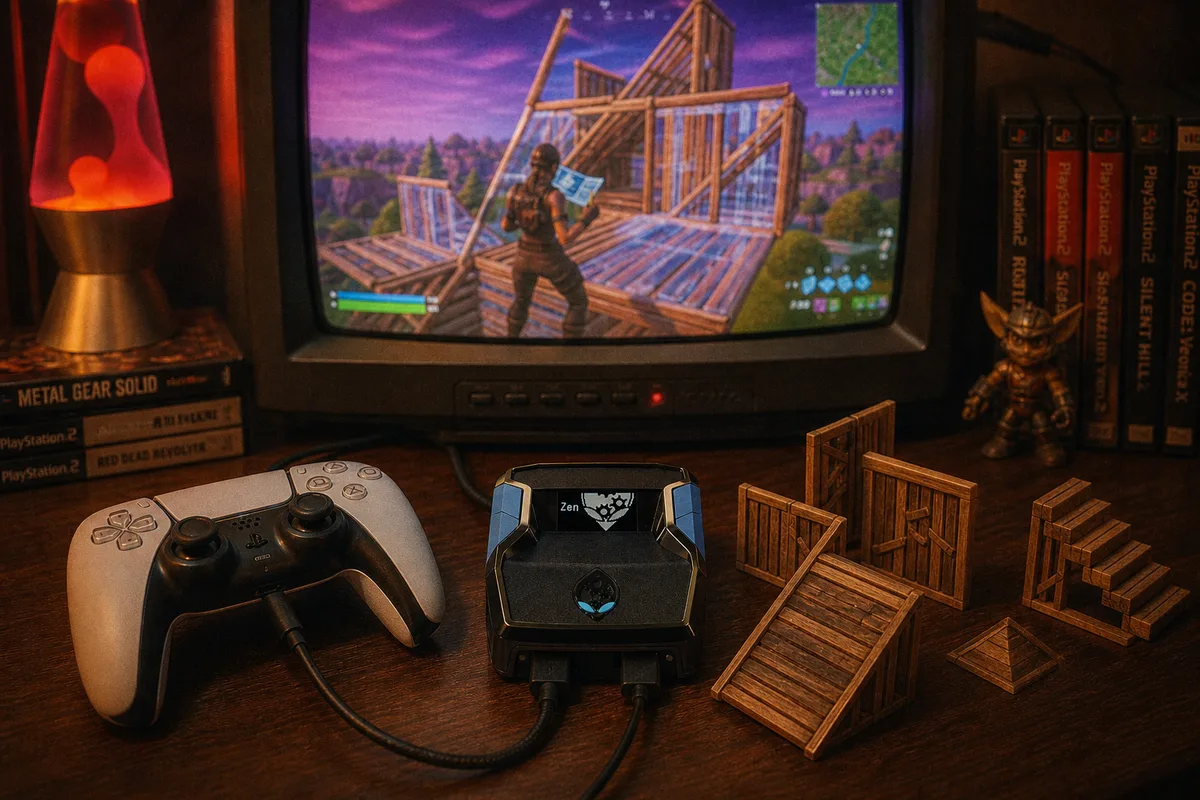
Building is the half of Fortnite that separates controller lobbies. Most players can shoot; far fewer can throw up clean protection mid-fight while their heart rate is spiking. That's exactly the kind of mechanical, repeatable action that macros were made for — so let's talk about what building macros on a Cronus Zen actually are, what they can and can't do, and how  yewFN handles them.
What a Macro Is (and Isn't)
A macro is a recorded or scripted sequence of inputs that plays back when you press a trigger button. On the Zen, that sequence executes at the hardware layer — the console just receives a series of ordinary controller presses, timed far more precisely than human fingers manage. If a wall-ramp push takes you six inputs and half a second of fumbling, a macro fires the same six inputs in perfect order every single time.
What a macro is not: intelligent. It can't see where you are, can't check whether you have materials, and can't decide that this fight calls for a box instead of a ramp. A macro is a hammer. You still decide when to swing it. That distinction matters, because the players who get the most out of build macros are the ones who treat them as fast execution for decisions they were already making.
 How Cronus Zen scripts work — the full technical picture

The Build Actions Worth Automating
Not every build deserves a macro. Here's how I think about the split:
Automate: panic protection
Getting shot in the open and needing wall-ramp-wall right now is the single highest-value macro in the game. Under fire, most controller players either fumble the sequence or build the pieces out of order and take a shotgun blast through the gap. A panic-build macro fires the full sequence the instant you press it, in the same order, at the same speed, whether it's your first fight of the day or your fortieth.
Automate: ramp-wall pushes
The classic high-ground take — ramp with a wall beneath it so it can't be shot out — is a rhythm of alternating inputs. Humans drift out of rhythm when they're being sprayed. A macro doesn't.
Keep manual: edits and creative builds
Editing is reactive — which tile you edit depends on where the opponent is standing, and no macro knows that. yewFN handles edits differently, with Turbo Edit and Insta Reset speeding up the confirm and reset portions of edits you choose yourself. I wrote up exactly how that works in the Turbo Edit guide. Free-form building — the weird five-piece ramble that wins you a box fight — also stays manual, because it's improvisation.
Pickup Macros: The Underrated One
yewFN also ships pickup macros, and they deserve a mention here because looting is secretly a build-adjacent skill. The double-movement of dropping shields, swapping weapons, and reordering your inventory mid-rotation eats seconds every time you do it manually. Pickup macros compress those sequences the same way a panic build compresses protection. It sounds small until you're the player who's re-shielded and repositioned while the opponent is still staring at their inventory.
Watch yewFN in a real match — builds, edits, and tracking
How to Practice With Macros
Here's the mistake I see constantly: someone loads a script, queues straight into ranked, and fires macros at random moments because the button is there. The macro executes perfectly; the decision behind it was wrong; they lose the fight and blame the script.
- Start in creative. Spend a session doing nothing but triggering each macro deliberately — walk forward, fire panic build, walk out, repeat. You're training the decision, not the execution. The execution is already handled.
- Add pressure gradually. Duel a friend or use combat bots. The goal is making the macro trigger as automatic as pulling the trigger on a shotgun — a reflex tied to a situation, not a button you remember you have.
- Watch your own replays. If you see yourself firing a ramp push into someone holding a shotgun above you, the macro isn't your problem. Macros make execution free, which makes decision-making the entire game. That's a good trade — decisions are more fun to practice than mechanics.
Setup Notes
yewFN's macros work on PS5, Xbox, and PC — the console sees a standard controller either way. Make sure your in-game build binds match what the script expects; the config that ships with the download covers this, and if you're brand new to the Zen the setup guide gets you from unboxing to loaded script in about fifteen minutes. yewFN is $50 one-time with free weekly updates, so when Epic shuffles build mechanics mid-season — and they always do — the macros get retuned without you paying again.
yewFN — Fortnite script with build and pickup macros, $50 one-time
yewFN full review — every mod, every mode