





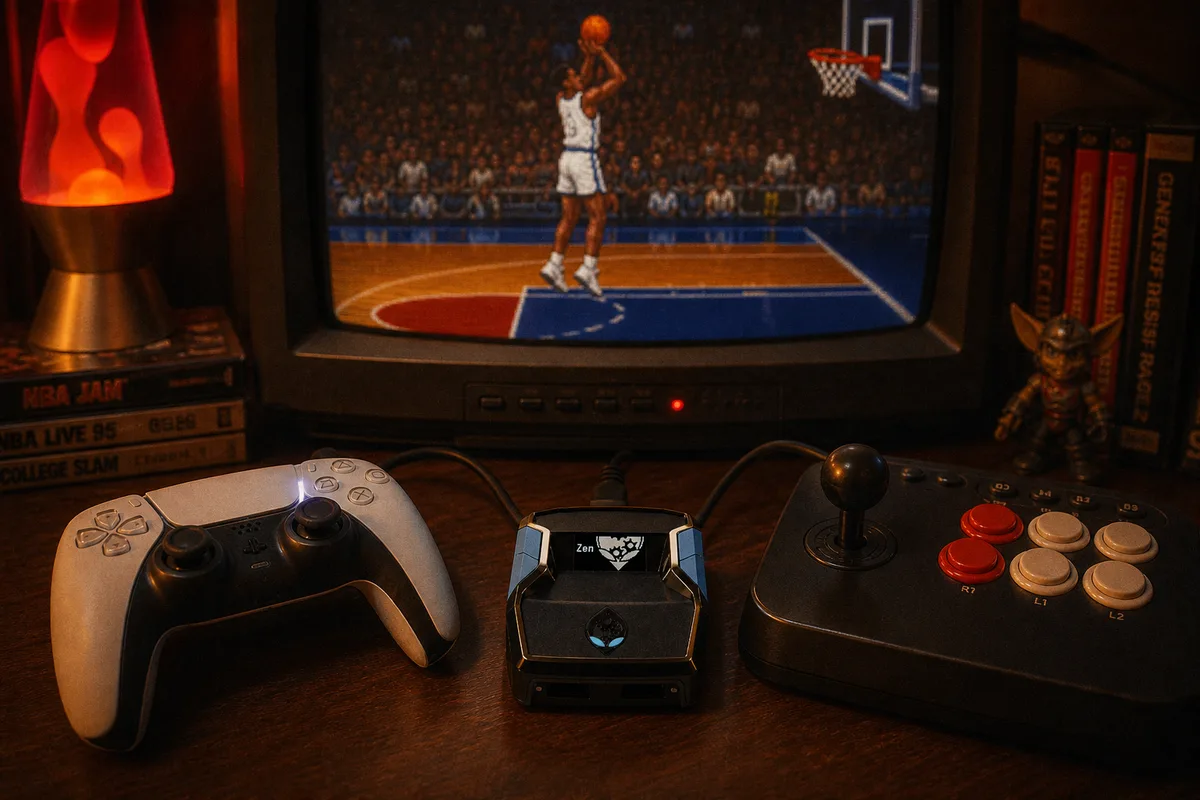
NBA 2K26 gives you two ways to shoot: the button (square or X) and the Pro Stick. The community argues feel and green-window bonuses; for script users the real question is different — which input can a script help with, and how much? The answer isn't the same for both, and it decides whether you want
Green's Auto-Green or
Prime's RS Auto Tempo doing the work. Here's the honest breakdown.
Two Inputs, Two Different Problems
Button: a pure timing problem
A button shot has exactly one axis of difficulty — when you release. Press, hold, release at the green window. One dimension, measured in milliseconds. That purity is what makes it the ideal script input: a timing problem is completely solvable at the input layer, and AI Auto-Green solves it per shot — animation, build tuning, current latency, all factored into each release. The full mechanics are in the Auto-Green guide.
Stick: timing plus motion
Pro Stick shooting layers a second dimension on top: the stick's path. You pull down and the quality of your input includes how clean the motion is — a wobbly pull or drifted angle degrades the shot in ways a button press never can. In exchange, 2K26 rewards stick shooting (it's the higher-risk input, and the game compensates), and many players simply prefer how it feels — it's the closest thing to actually shooting a basketball.
From a script's perspective, the tempo half of that input is stabilizable; the aim half is your hands. That split defines what honest stick assistance looks like.

What RS Auto Tempo Actually Does
Prime's RS Auto Tempo is the stick-shooting counterpart to Green's Button Tempo. It regulates the rhythm of your stick motion at the hardware layer — the Zen normalizes the tempo of the pull-and-release so the timing component of your stick shot stops drifting between attempts, while the motion itself stays yours. The console sees standard controller stick input; it just sees a consistent one, every rep.
What it deliberately doesn't do is shoot for you. Stick shooting with full automation would stop being stick shooting — the players who choose RS choose it for the feel, and RS Auto Tempo is built to preserve that while removing the tempo variance that makes stick shooting streaky. It sits alongside Prime's other tools: AI Auto-Green (for when you do shoot button), Turbo Shots, Select Build tuning, and AI Defense.
So Which Should You Shoot?
| Button + Auto-Green | Stick + RS Auto Tempo | |
|---|---|---|
| Difficulty axis | Timing only | Timing + stick motion |
| Script coverage | Complete — release is calculated per shot | Tempo stabilized; aim stays manual |
| Consistency ceiling | Highest | High, with a manual component |
| Feel | Automatic | Still your shot |
| Get it in | Green / Prime | Prime |
My recommendation, plainly: if your goal is maximum green rate, shoot the button with Auto-Green. Full script coverage of a one-dimensional problem beats partial coverage of a two-dimensional one, every time. Shoot the stick if the feel matters to you or you want the game's stick-shooting reward structure — knowing the script stabilizes your tempo but the motion quality is still on you. Both are legitimate; they're just different amounts of delegation.
Settings and Setup Notes
Whichever input you choose, three practical notes:
- Commit to one input and set your Pro Stick function accordingly. Switching between stick and button mid-session means your reps stop reinforcing each other — and if you're on Green, the generator tuning assumes button shooting.
- Match your tuning. Prime users set up through Select Build so timing matches your build; if you change builds or jumpshots, redo it. Same rule as always: the script times the animation you told it about.
- Stabilize the chain. Stick shooting is even more sensitive to input noise than button shooting — vibration off and a wired controller matter more, not less. The full list is in the controller settings guide.
Prime is $50 one-time with free weekly updates for life, same as every yew.gg script. If you're a stick shooter, it's the only product in our lineup built with your input method as a first-class concern.

